> ## Documentation Index
> Fetch the complete documentation index at: https://docs.gately.ai/llms.txt
> Use this file to discover all available pages before exploring further.
# SDK Installation
> Install and use the official Gately AI SDKs
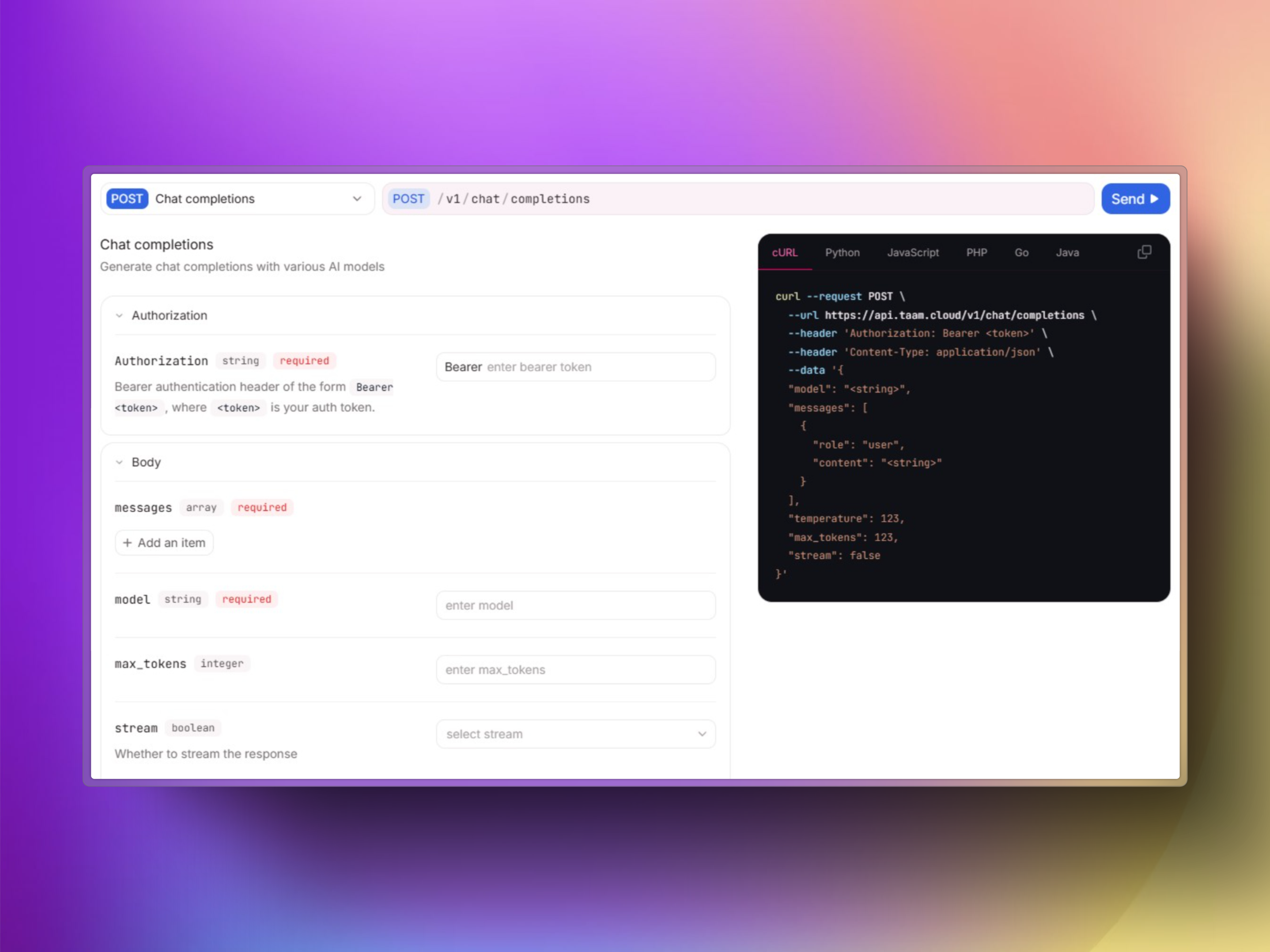 ## Official SDKs
Gately AI provides official client libraries for Python and JavaScript to help you integrate with our API quickly and efficiently.
## Installation
```bash theme={null}
pip install taam-cloud==1.0.0
```
Requirements:
* Python 3.8+
```bash theme={null}
npm install taam-cloud@0.1.0-alpha.3
```
Requirements:
* Node.js 16+
## Basic Usage
### Python SDK
```python theme={null}
import os
from taam_cloud import TaamCloud
# Initialize the client
client = TaamCloud(api_key=os.environ.get("TAAM_API_KEY"))
# Chat completion
response = client.chat.create(
model="gpt-4-turbo",
messages=[
{"role": "system", "content": "You are a helpful assistant."},
{"role": "user", "content": "What is artificial intelligence?"}
]
)
print(response.choices[0].message.content)
# Generate embeddings
embeddings = client.embeddings.create(
model="text-embedding-3-small",
input="Represent this text as an embedding vector"
)
print(embeddings.data[0].embedding[:5]) # Print first 5 values
```
### Node.js SDK
```javascript theme={null}
import { TaamCloud } from 'taam-cloud';
// Initialize the client
const client = new TaamCloud({
apiKey: process.env.TAAM_API_KEY
});
async function main() {
// Chat completion
const chatResponse = await client.chat.completions.create({
model: "gpt-4-turbo",
messages: [
{role: "system", content: "You are a helpful assistant."},
{role: "user", content: "What is artificial intelligence?"}
]
});
console.log(chatResponse.choices[0].message.content);
// Generate embeddings
const embeddingResponse = await client.embeddings.create({
model: "text-embedding-3-small",
input: "Represent this text as an embedding vector"
});
console.log(embeddingResponse.data[0].embedding.slice(0, 5)); // Print first 5 values
}
main().catch(console.error);
```
## Advanced Features
### Streaming Chat Responses
```python Python theme={null}
chat_stream = client.chat.create(
model="gpt-4-turbo",
messages=[
{"role": "user", "content": "Write a short poem about clouds"}
],
stream=True
)
for chunk in chat_stream:
if chunk.choices[0].delta.content:
print(chunk.choices[0].delta.content, end="", flush=True)
```
```javascript JavaScript theme={null}
const stream = await client.chat.completions.create({
model: "gpt-4-turbo",
messages: [
{role: "user", content: "Write a short poem about clouds"}
],
stream: true
});
for await (const chunk of stream) {
process.stdout.write(chunk.choices[0]?.delta?.content || "");
}
```
### Web Service Integration
```python theme={null}
# Scrape a webpage
scrape_result = client.web.scrape(
url="https://example.com",
formats=["markdown", "links"]
)
print(f"Page content: {scrape_result.data.markdown[:100]}...")
print(f"Found {len(scrape_result.data.links)} links")
```
## Versioning
The Node.js SDK is currently in alpha. API changes may occur before the stable release.
We follow semantic versioning for our SDKs:
* Python SDK: Stable version 1.0.0
* Node.js SDK: Alpha version 0.1.0-alpha.3
The Node.js SDK includes TypeScript type definitions.
## Need Help?
View the complete SDK reference documentation
Join our Discord for community support
## Official SDKs
Gately AI provides official client libraries for Python and JavaScript to help you integrate with our API quickly and efficiently.
## Installation
```bash theme={null}
pip install taam-cloud==1.0.0
```
Requirements:
* Python 3.8+
```bash theme={null}
npm install taam-cloud@0.1.0-alpha.3
```
Requirements:
* Node.js 16+
## Basic Usage
### Python SDK
```python theme={null}
import os
from taam_cloud import TaamCloud
# Initialize the client
client = TaamCloud(api_key=os.environ.get("TAAM_API_KEY"))
# Chat completion
response = client.chat.create(
model="gpt-4-turbo",
messages=[
{"role": "system", "content": "You are a helpful assistant."},
{"role": "user", "content": "What is artificial intelligence?"}
]
)
print(response.choices[0].message.content)
# Generate embeddings
embeddings = client.embeddings.create(
model="text-embedding-3-small",
input="Represent this text as an embedding vector"
)
print(embeddings.data[0].embedding[:5]) # Print first 5 values
```
### Node.js SDK
```javascript theme={null}
import { TaamCloud } from 'taam-cloud';
// Initialize the client
const client = new TaamCloud({
apiKey: process.env.TAAM_API_KEY
});
async function main() {
// Chat completion
const chatResponse = await client.chat.completions.create({
model: "gpt-4-turbo",
messages: [
{role: "system", content: "You are a helpful assistant."},
{role: "user", content: "What is artificial intelligence?"}
]
});
console.log(chatResponse.choices[0].message.content);
// Generate embeddings
const embeddingResponse = await client.embeddings.create({
model: "text-embedding-3-small",
input: "Represent this text as an embedding vector"
});
console.log(embeddingResponse.data[0].embedding.slice(0, 5)); // Print first 5 values
}
main().catch(console.error);
```
## Advanced Features
### Streaming Chat Responses
```python Python theme={null}
chat_stream = client.chat.create(
model="gpt-4-turbo",
messages=[
{"role": "user", "content": "Write a short poem about clouds"}
],
stream=True
)
for chunk in chat_stream:
if chunk.choices[0].delta.content:
print(chunk.choices[0].delta.content, end="", flush=True)
```
```javascript JavaScript theme={null}
const stream = await client.chat.completions.create({
model: "gpt-4-turbo",
messages: [
{role: "user", content: "Write a short poem about clouds"}
],
stream: true
});
for await (const chunk of stream) {
process.stdout.write(chunk.choices[0]?.delta?.content || "");
}
```
### Web Service Integration
```python theme={null}
# Scrape a webpage
scrape_result = client.web.scrape(
url="https://example.com",
formats=["markdown", "links"]
)
print(f"Page content: {scrape_result.data.markdown[:100]}...")
print(f"Found {len(scrape_result.data.links)} links")
```
## Versioning
The Node.js SDK is currently in alpha. API changes may occur before the stable release.
We follow semantic versioning for our SDKs:
* Python SDK: Stable version 1.0.0
* Node.js SDK: Alpha version 0.1.0-alpha.3
The Node.js SDK includes TypeScript type definitions.
## Need Help?
View the complete SDK reference documentation
Join our Discord for community support