

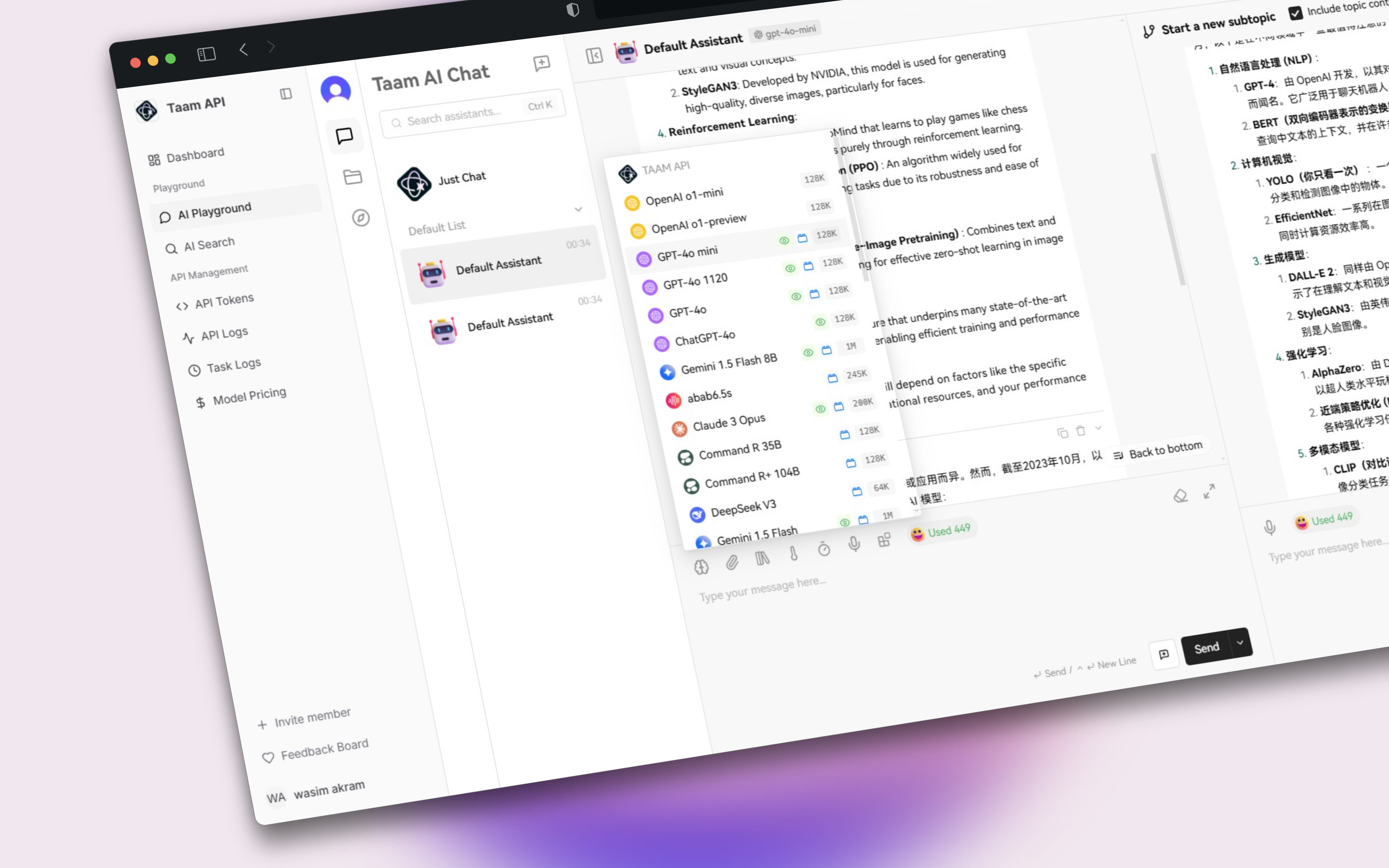
Account Connection Steps
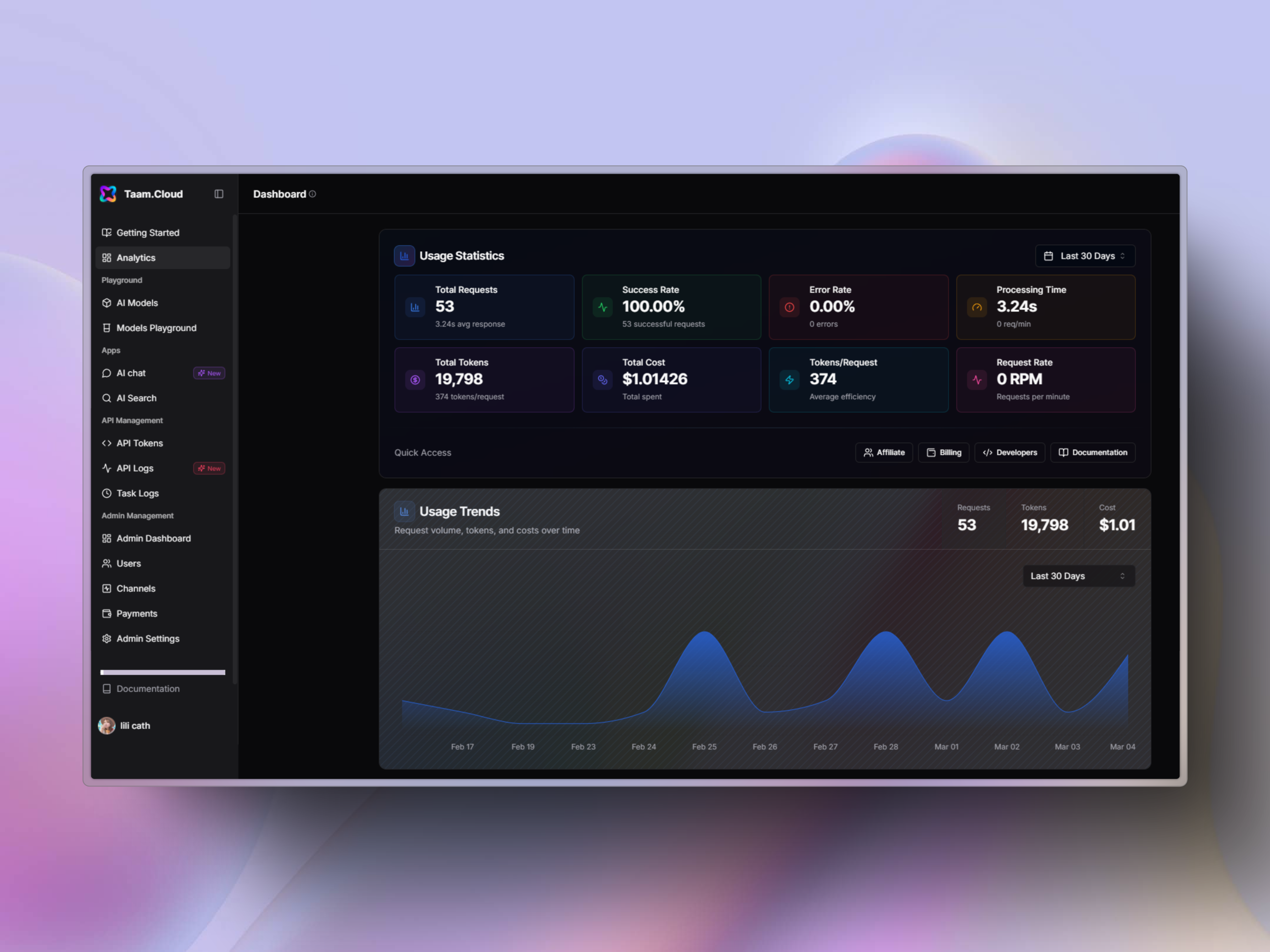
Navigate to Dashboard
- Open your web browser
- Visit Gately AI Dashboard
- Log in to your account if needed
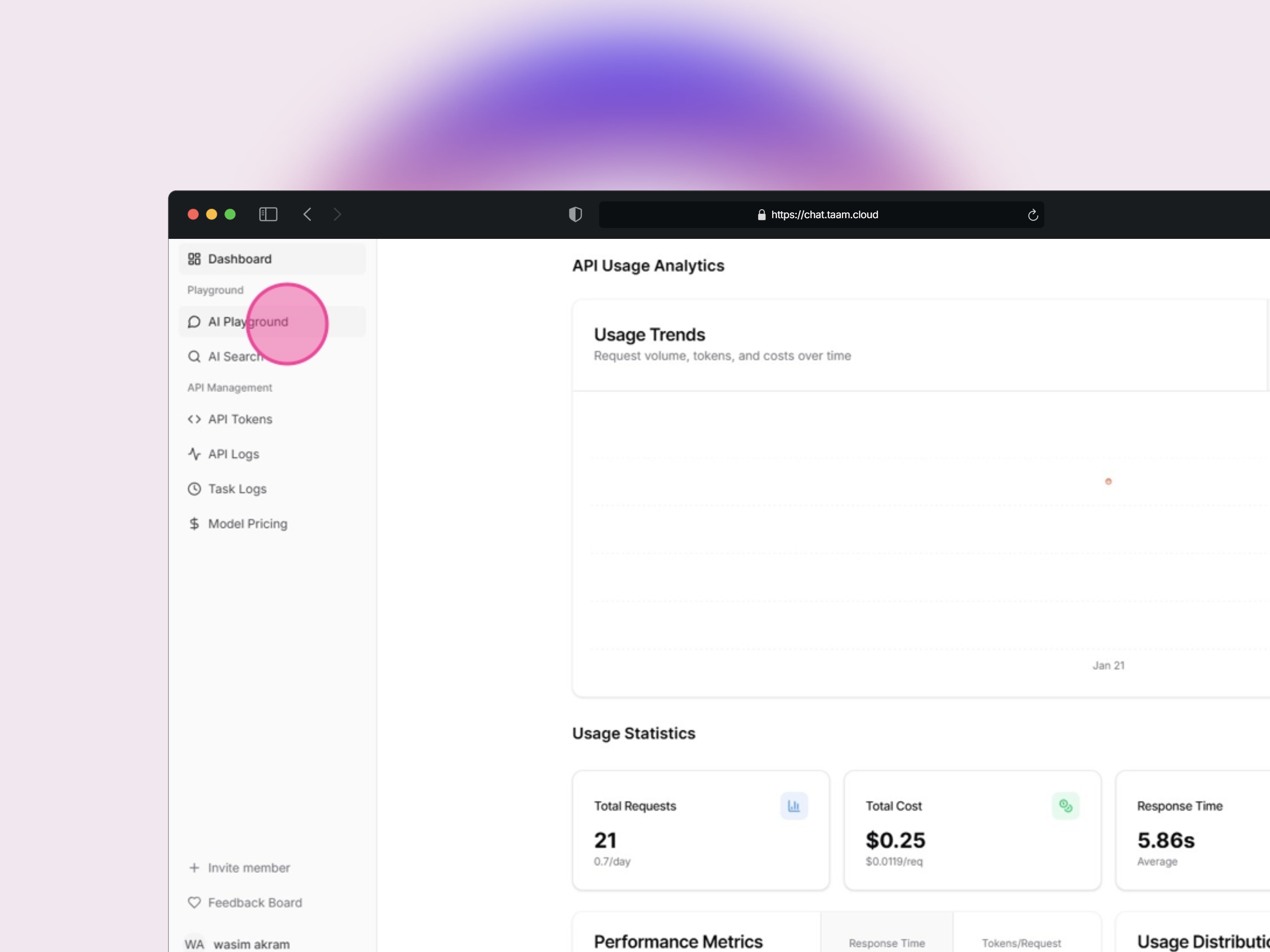
Access Playground
- Locate the sidebar menu
- Click on “AI Playground”
- Wait for the playground interface to load
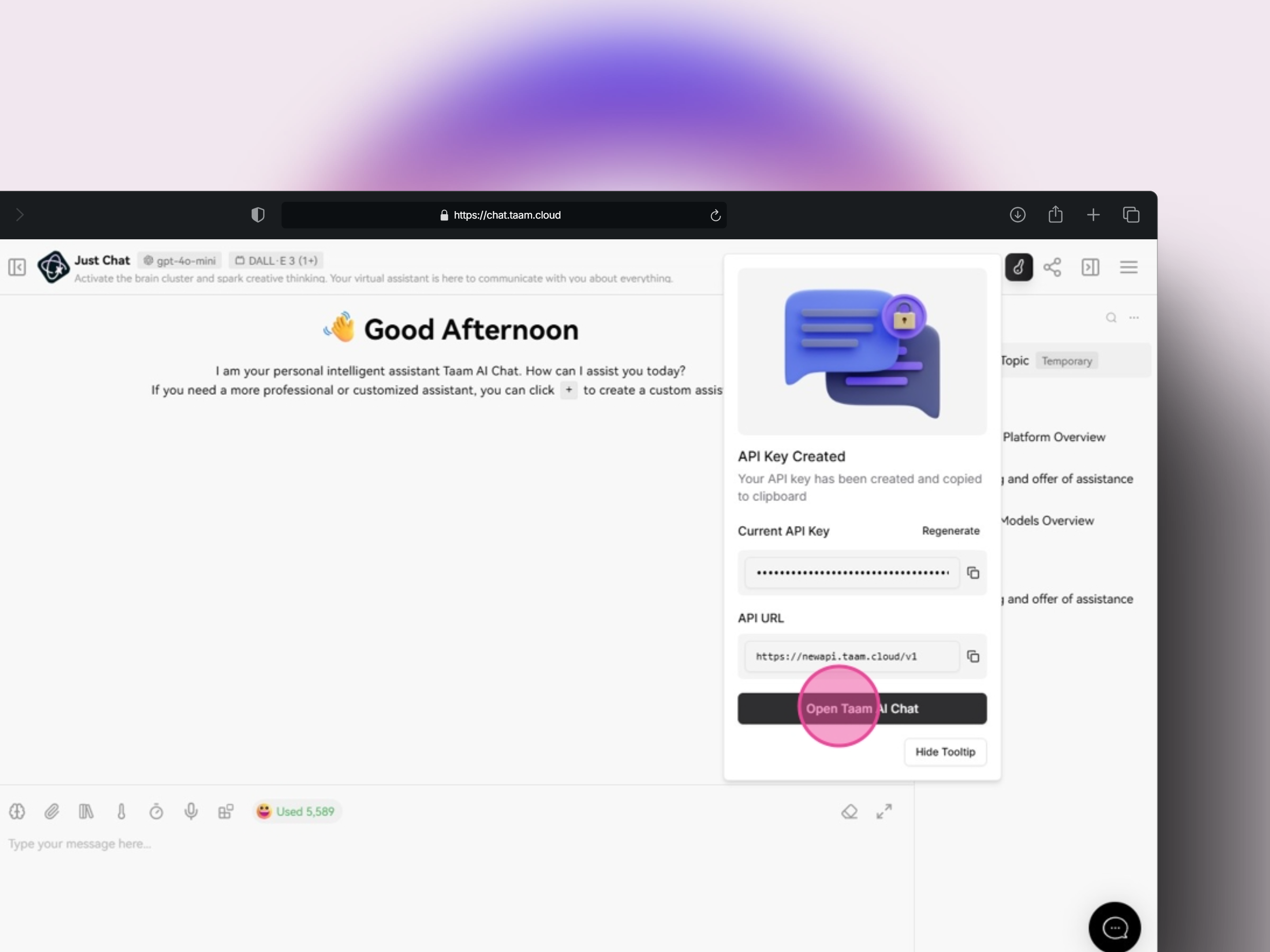
Open Taam AI Chat
- Look for the tooltip with action buttons
- Click “Open Taam AI Chat”
- A new tab will open for authentication
Account Authentication
- Follow authentication prompts
- Grant necessary permissions
- Wait for confirmation
Return to Playground
- Go back to the Playground tab
- Refresh the page
- Click the tooltip button again
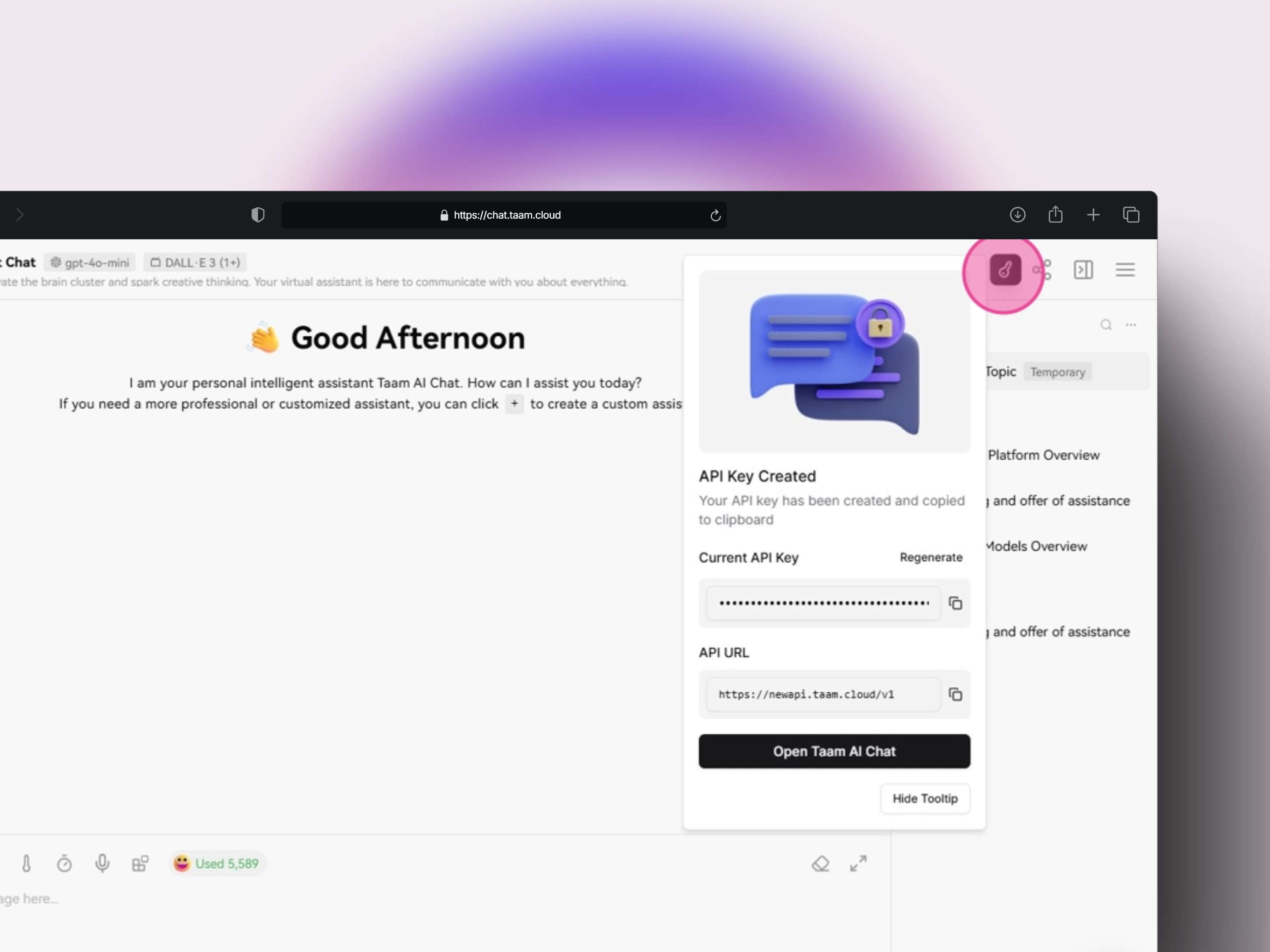
Configure Settings
- Open Playground Settings
- Locate API configuration section
- Prepare to enter credentials
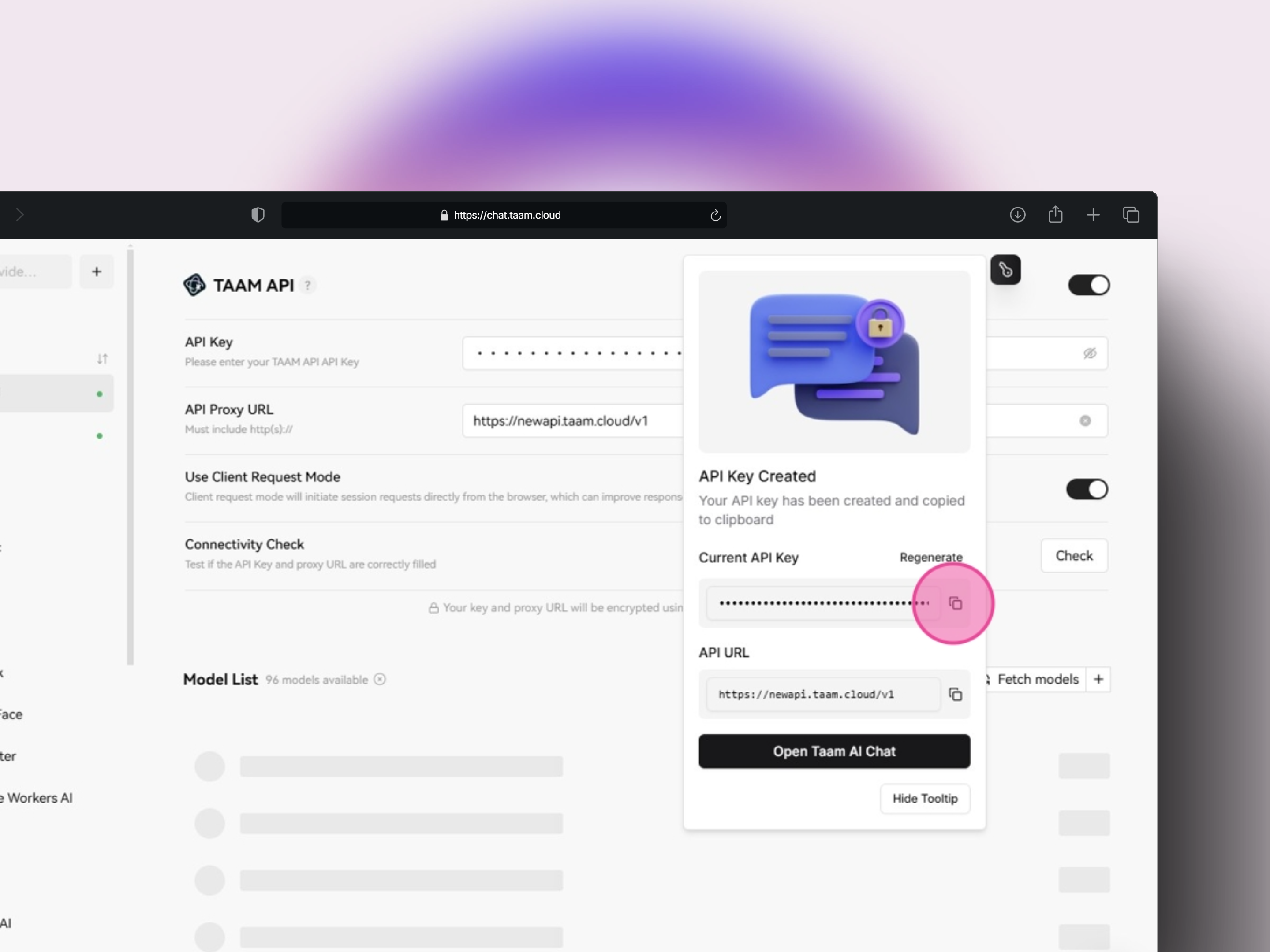
API Key Setup
- Find “Current API Key” field
- Copy displayed API key
- Paste into API Key field
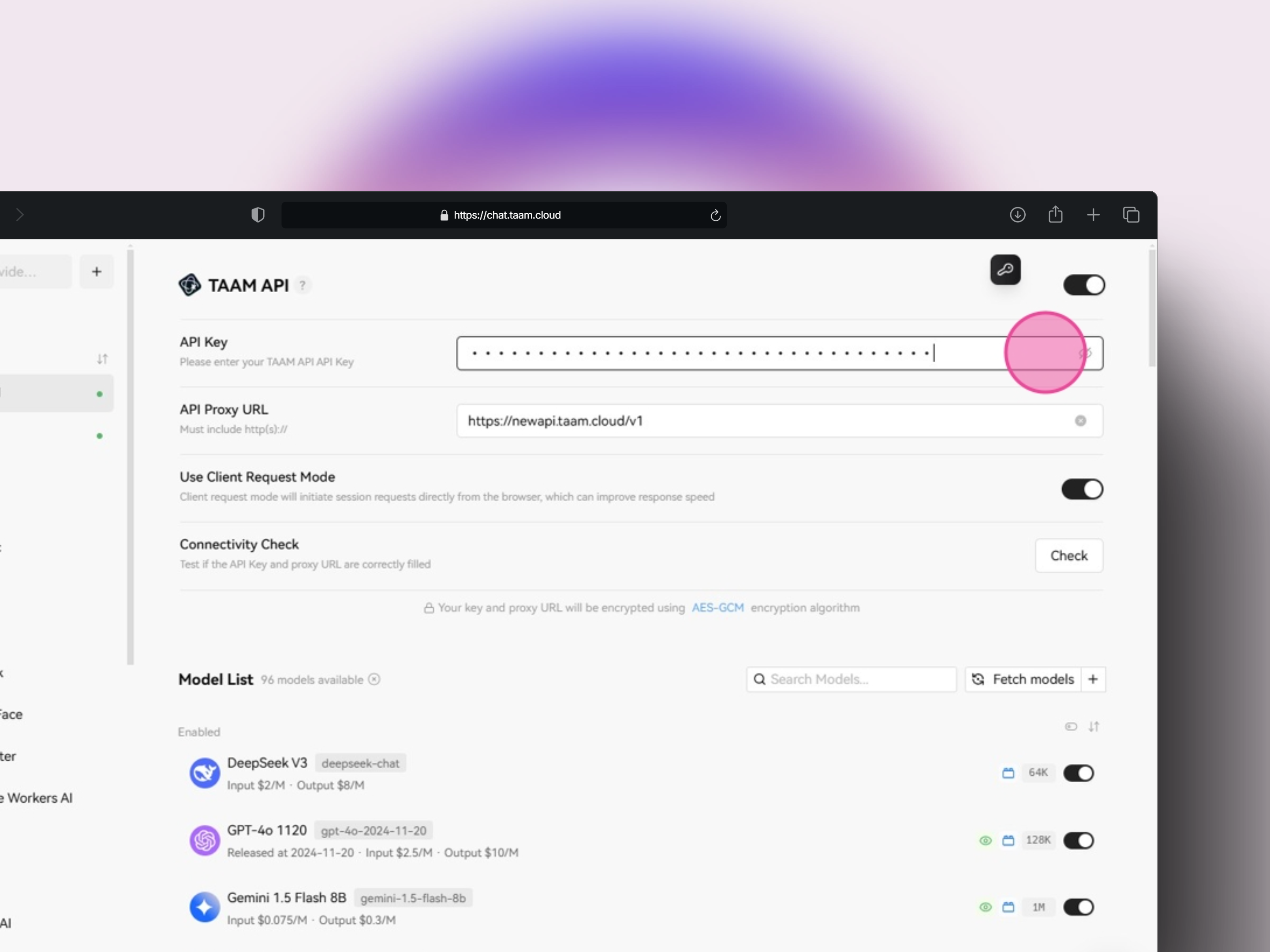
Base URL Configuration
- Copy base URL:
https://api.gately.ai/v1 - Locate “API Proxy URL” field
- Paste the base URL

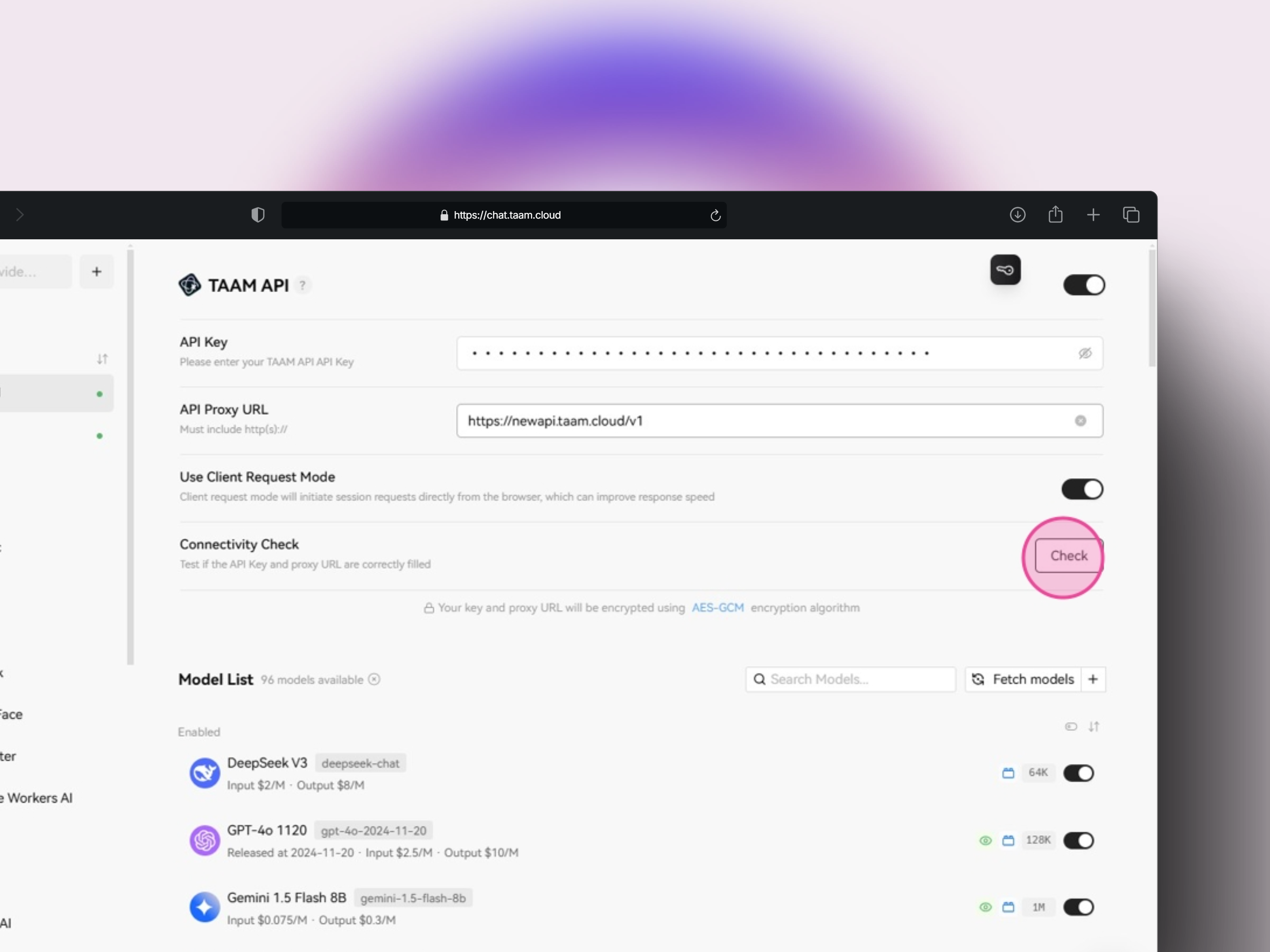
Verify Connection
- Click “Check” button
- Wait for verification
- Confirm successful connection
Next Steps
Try Models
Start experimenting with different AI models
Create Prompts
Learn how to write effective prompts
Remember to keep your API key secure and never share it publicly.