
Overview
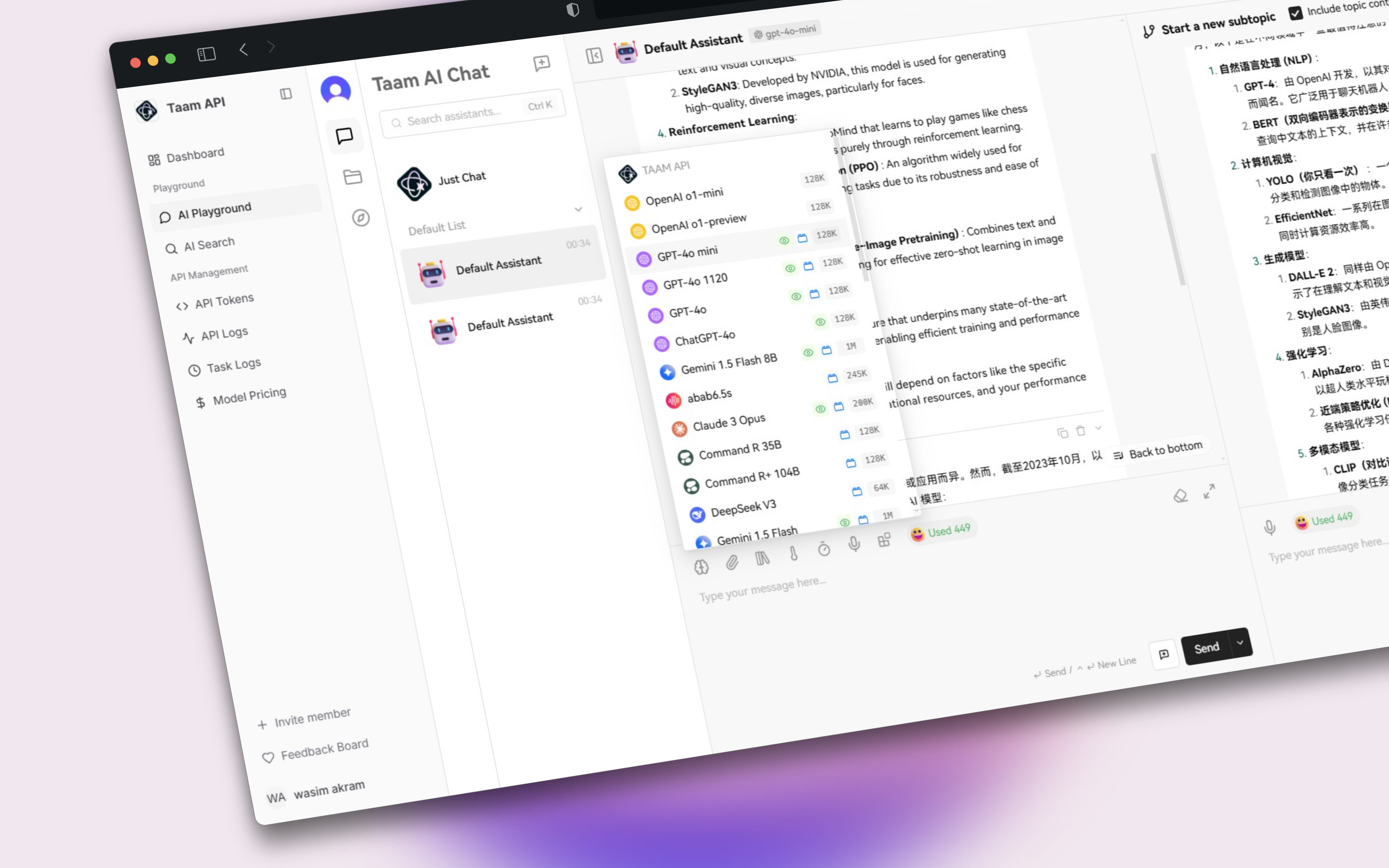
The Chat Playground provides an interactive environment to test different LLM models and fine-tune their parameters for optimal results.Interface Components
Model Selection
Model Selection
Choose from available models: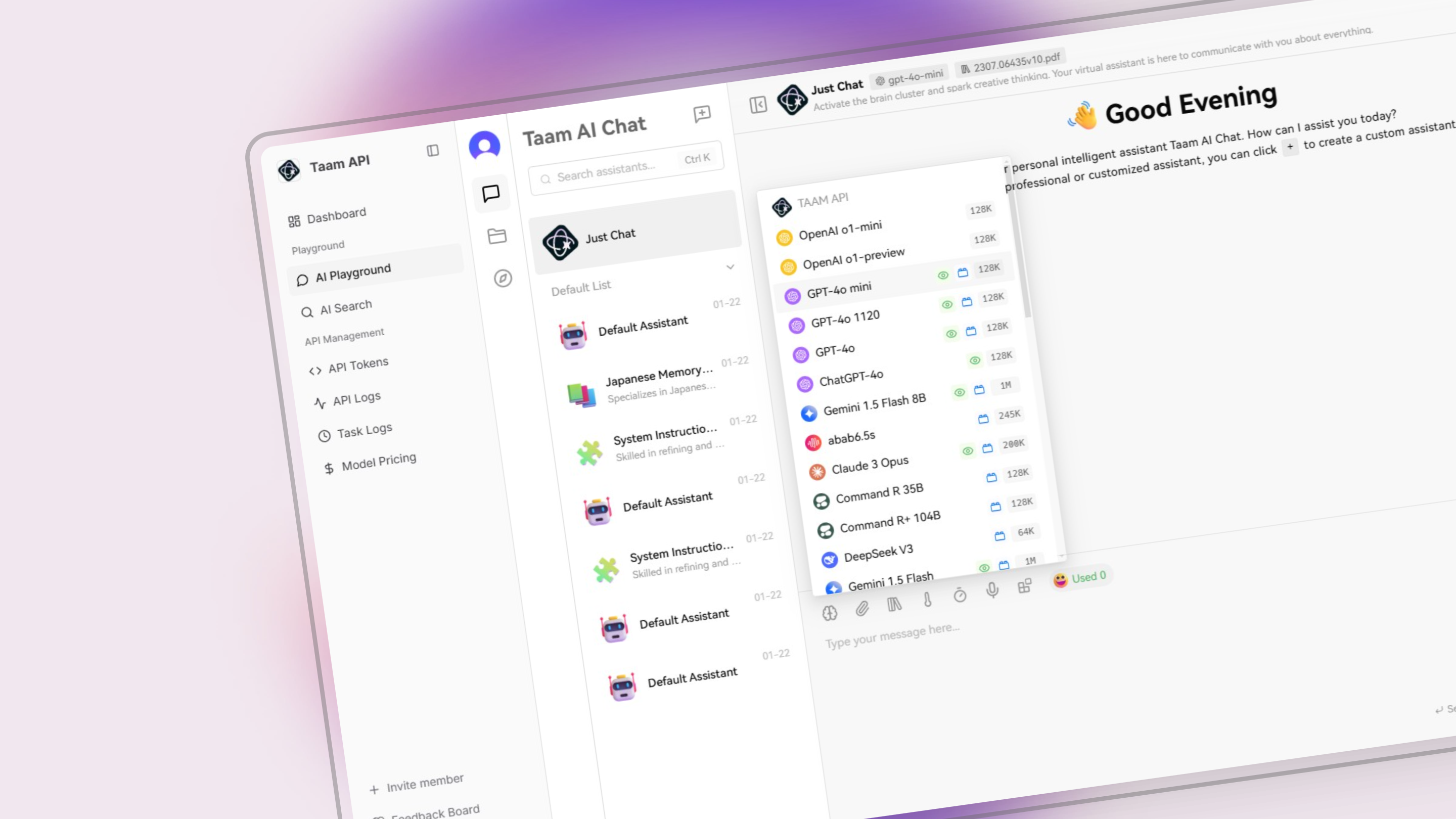
- GPT-4 Turbo
- Claude 3
- Gemini Pro
- Custom Models
Parameters
Parameters
Adjust model behavior:
- Temperature
- Max tokens
- Top P
- Frequency penalty
- Presence penalty
System Prompt
System Prompt
Set the context and behavior instructions for the AI model
Using the Playground
Select Model
- Choose your preferred model
- Review model capabilities
- Check credit consumption rate
Configure Settings
- Adjust temperature for creativity
- Set maximum response length
- Fine-tune other parameters
Test Prompts
- Enter your prompt
- View real-time responses
- Iterate and refine
Features
Save Templates
Save successful prompts for future use
Export Results
Download conversations and settings
Share Sessions
Collaborate with team members
API Preview
View API calls for implementation
Code Generation
The playground automatically generates API code based on your current settings and prompts.
Tips & Best Practices
Start Simple
Begin with basic prompts and iterate
Compare Models
Test same prompt across models
Save Versions
Track successful configurations