

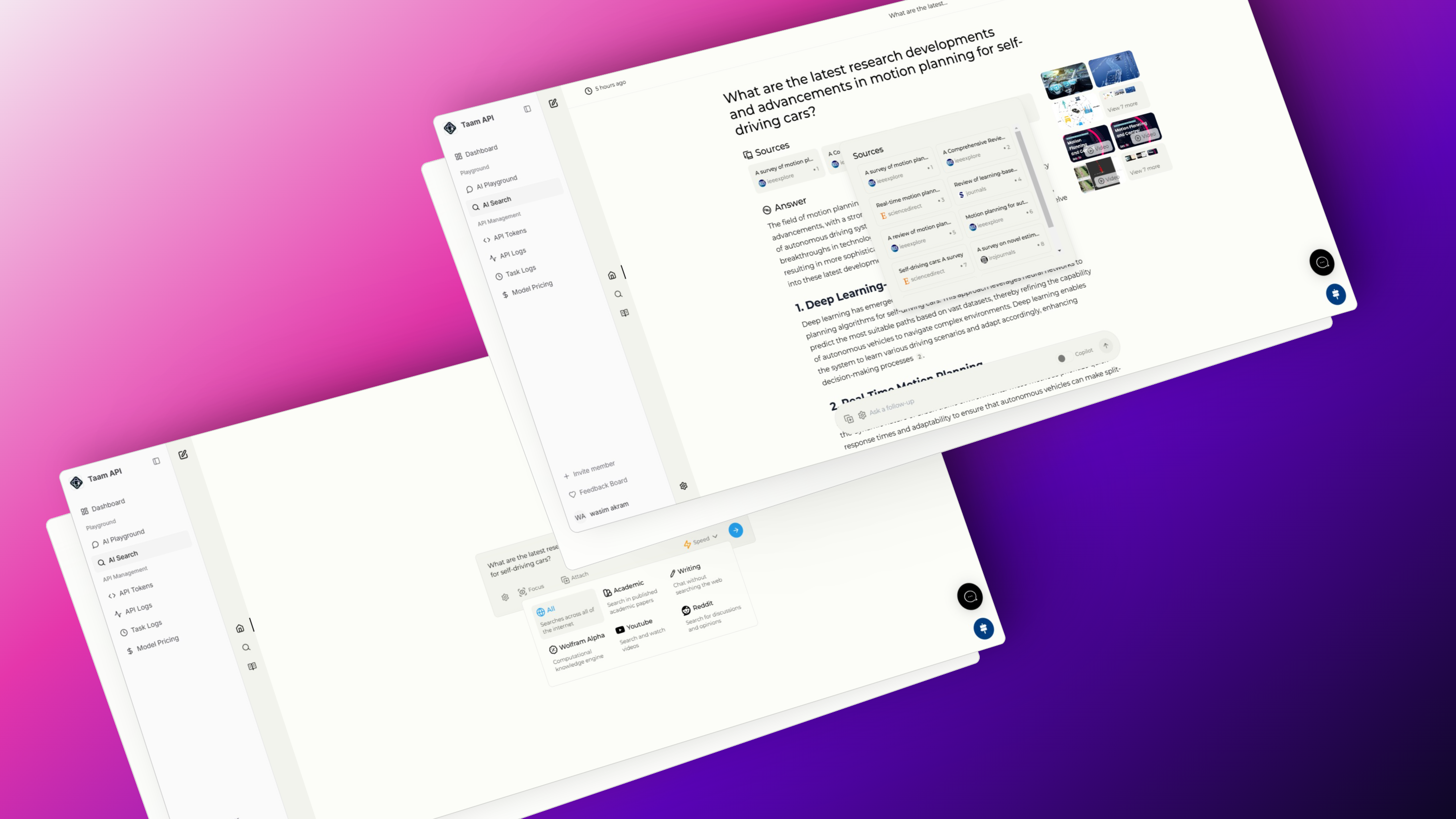
Search Modes
Copilot Mode (Beta)
Copilot Mode (Beta)
Enhanced Search
Generates multiple queries to find more relevant results
Direct Source Analysis
Visits top matches for deeper content analysis
This feature is currently in development and being refined for optimal performance.
Normal Mode
Normal Mode
Standard web search with:
- Query processing
- Result ranking
- Content summarization
Focus Modes
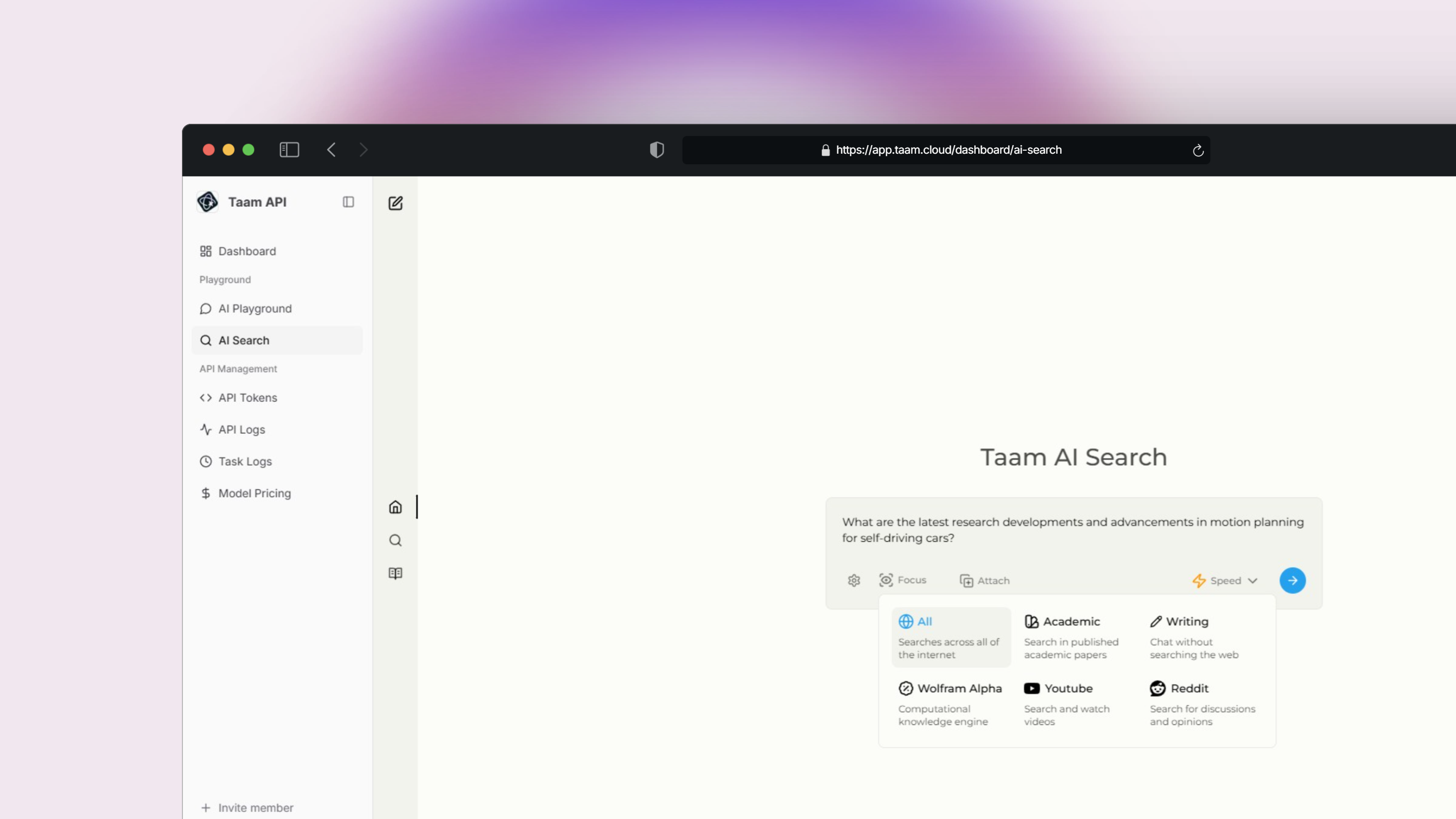
All Web
Comprehensive web search across all sources
Writing Assistant
AI-powered writing help without web search
Academic
Focused on articles and research papers
YouTube
Video content search and analysis
Wolfram Alpha
Mathematical and data analysis queries
Community discussions and opinions
Key Features
Real-time Results
Get current information through:
- Live web searches
- SearxNG integration
- Dynamic result ranking
Multi-modal Search
Support for: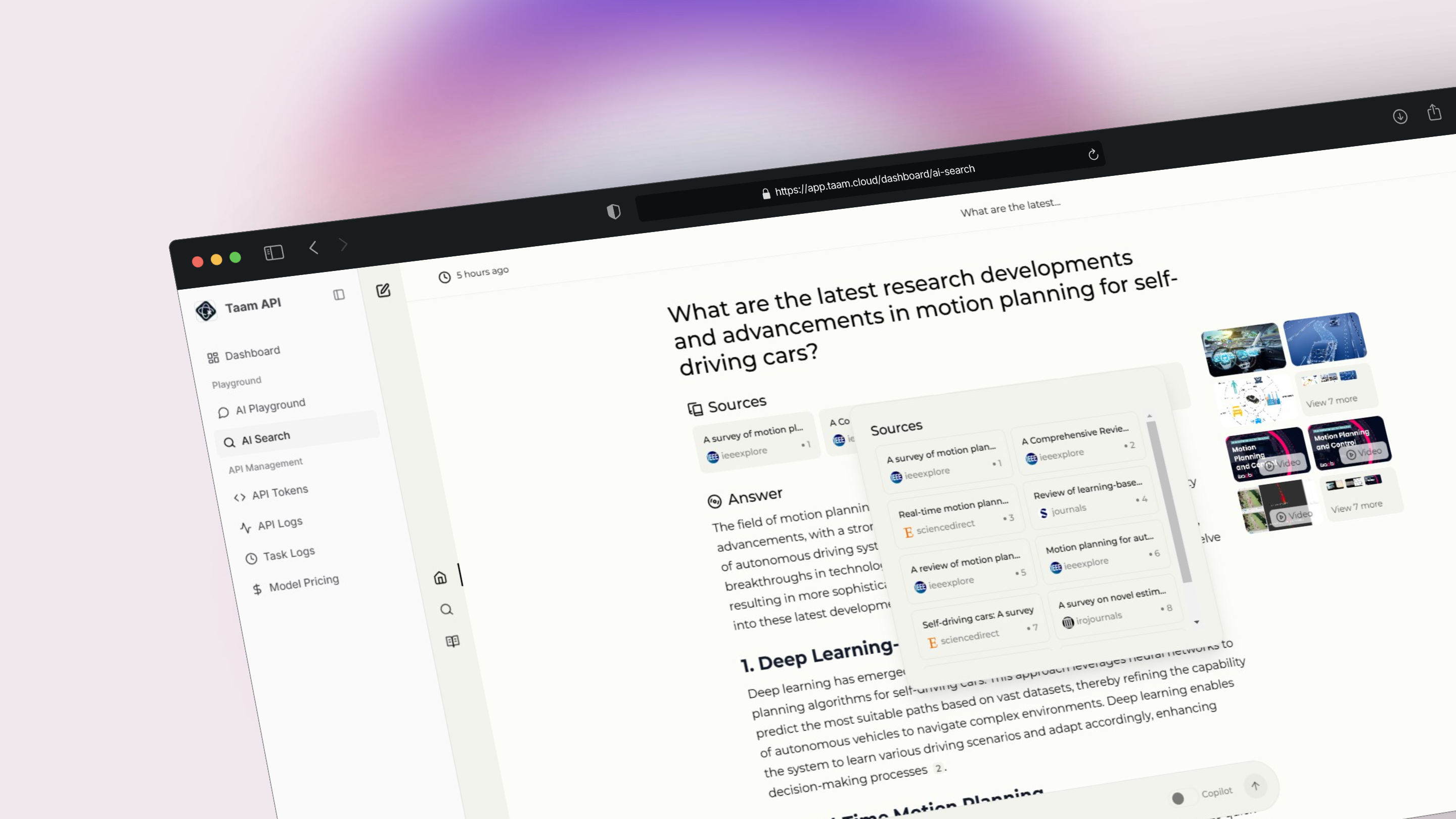
- Text queries
- Image search
- Video search
Result Analysis
- Content relevance scoring
- Source credibility check
- Information freshness
Using Search Modes
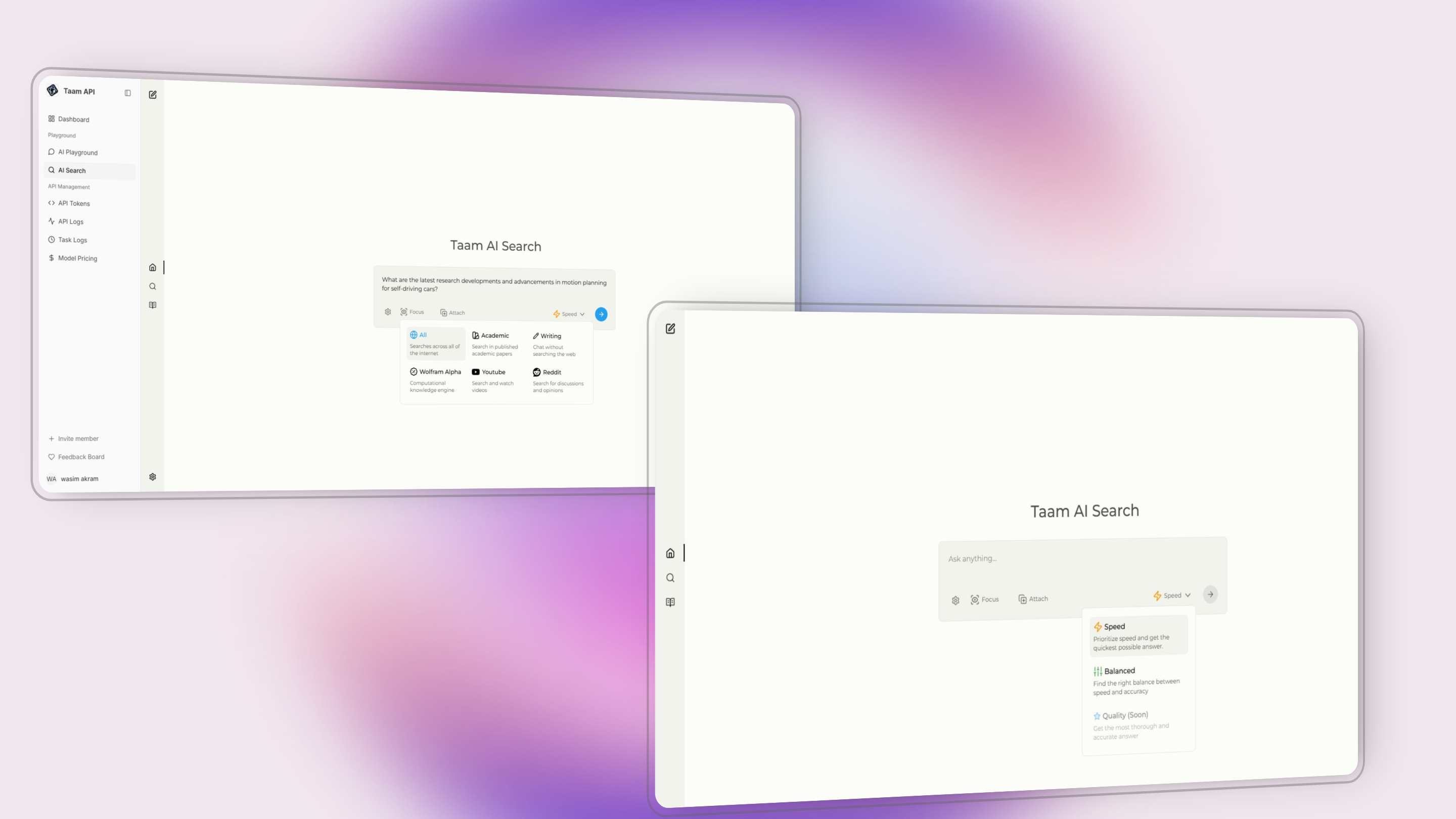
Mode Selection
Mode Selection
- Open search interface
- Choose search mode
- Select focus mode if needed
Query Options
Query Options
Customize your search with:
- Time range filters
- Source preferences
- Language settings
- Result count
Integration Options
API Access
Integrate search capabilities into your applications
Playground
Test and experiment with search features
Best Practices
Select Appropriate Mode
Choose the mode that best matches your search intent:
- General queries: All Web mode
- Research: Academic mode
- Technical questions: Wolfram Alpha mode
Optimize Queries
- Use specific keywords
- Include relevant context
- Specify time constraints if needed
Review Results
- Check source credibility
- Verify information freshness
- Compare multiple sources
For API integration details and documentation, visit our Search API Guide.