

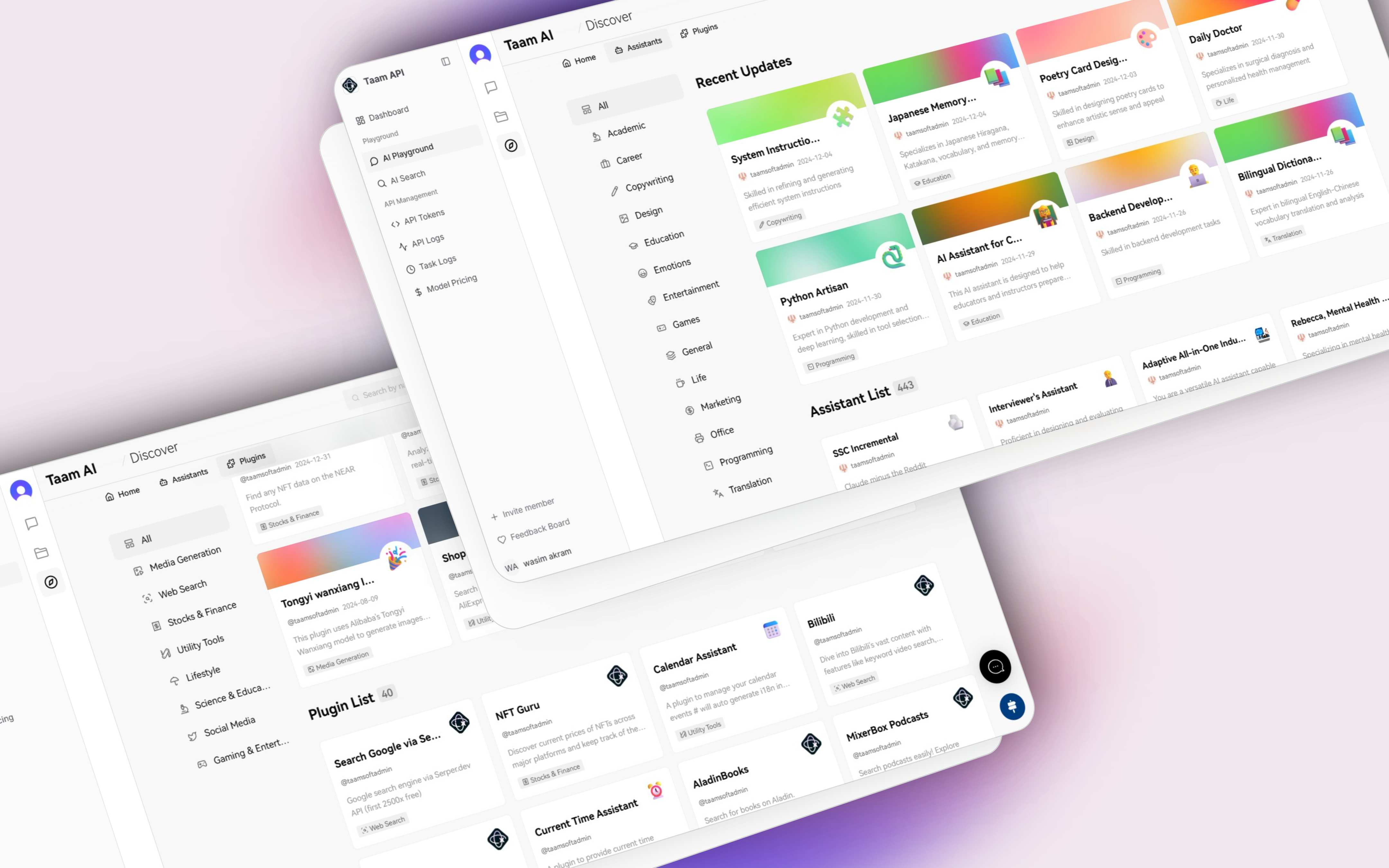
Enabling an Assistant
Navigate to Playground
- Open your browser
- Visit Gately AI Playground
- Sign in if needed
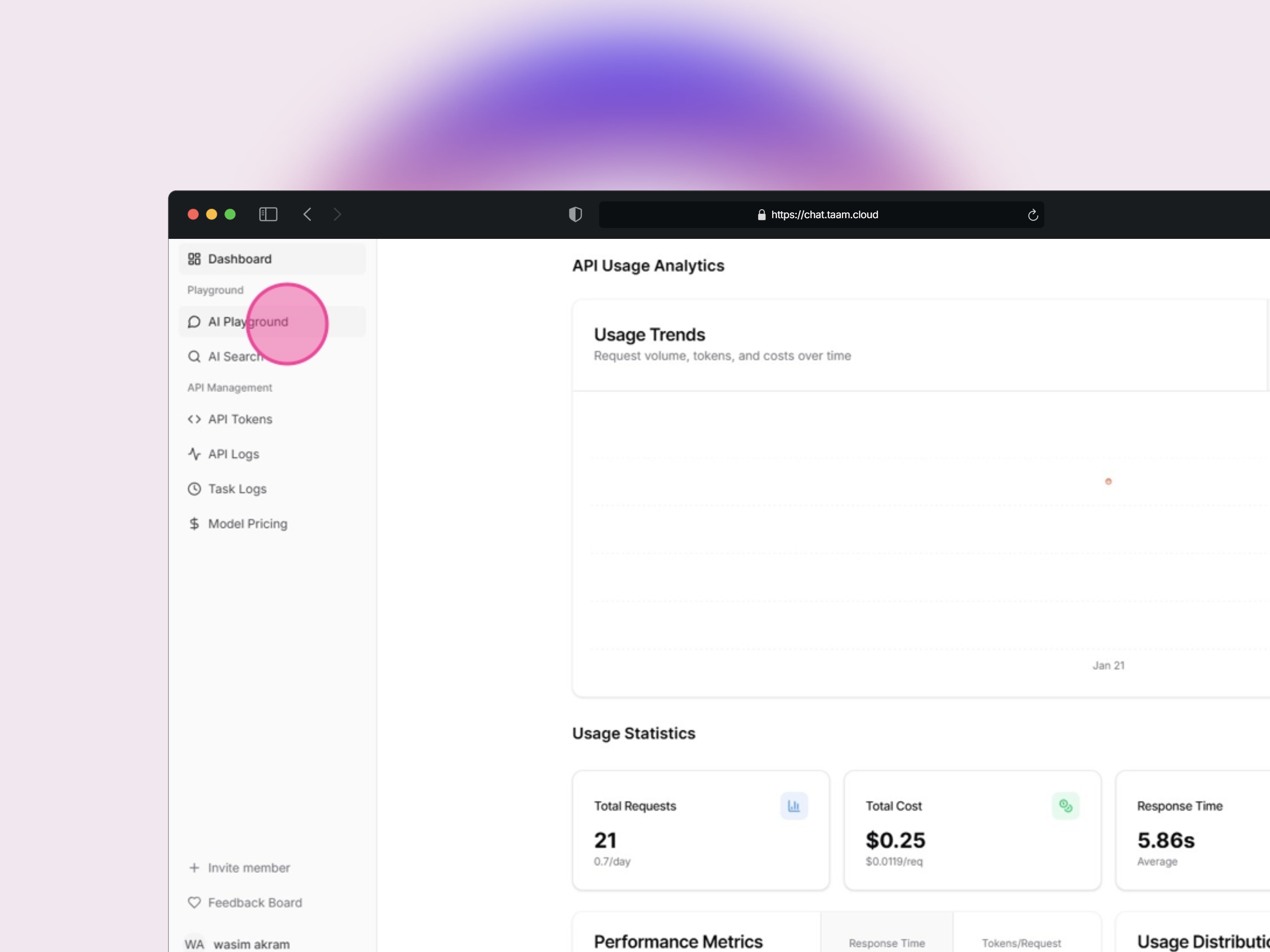
Open Discover Menu
- Locate the playground side menu
- Click the “Discover” button
- Wait for menu to load
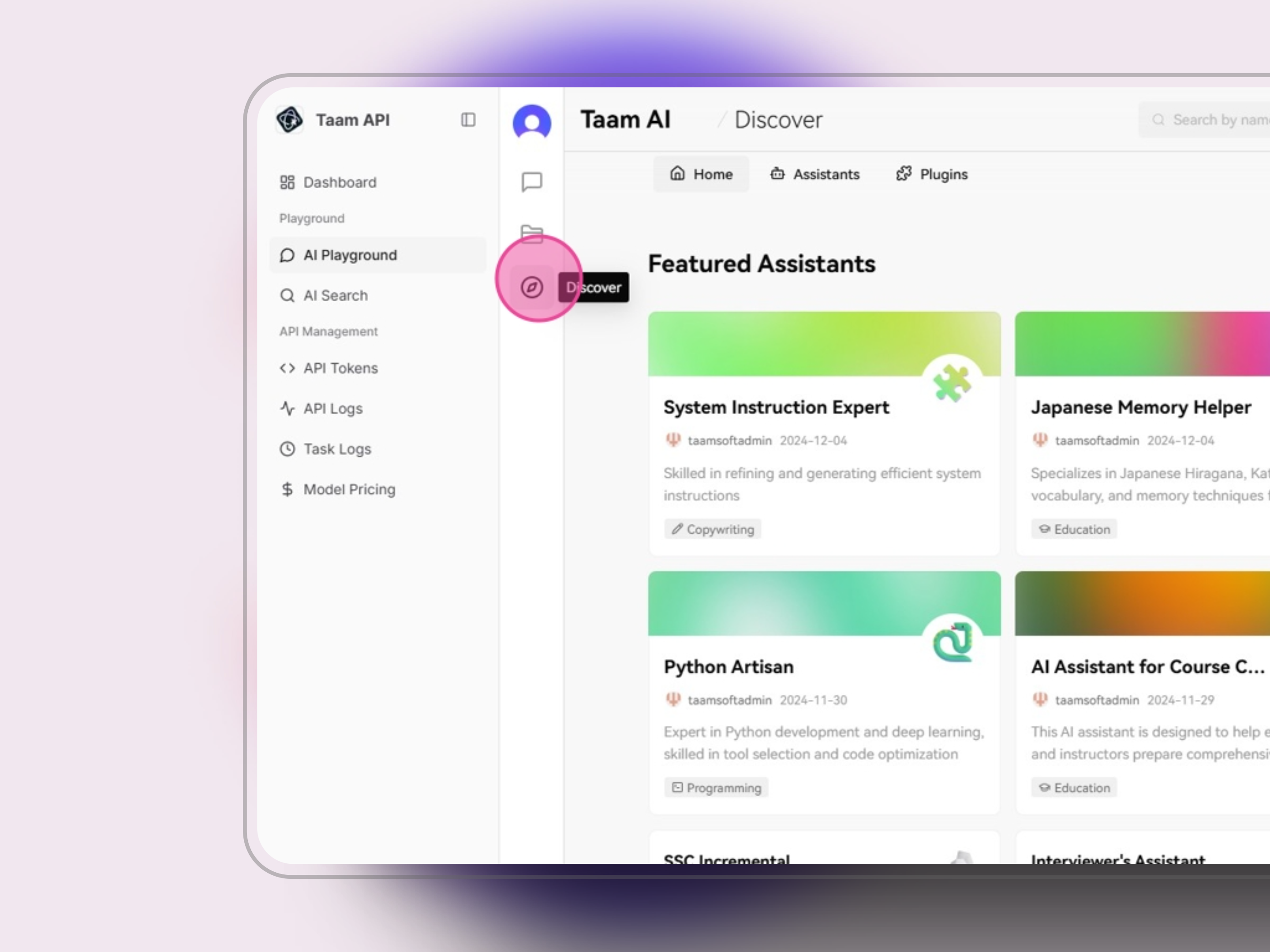
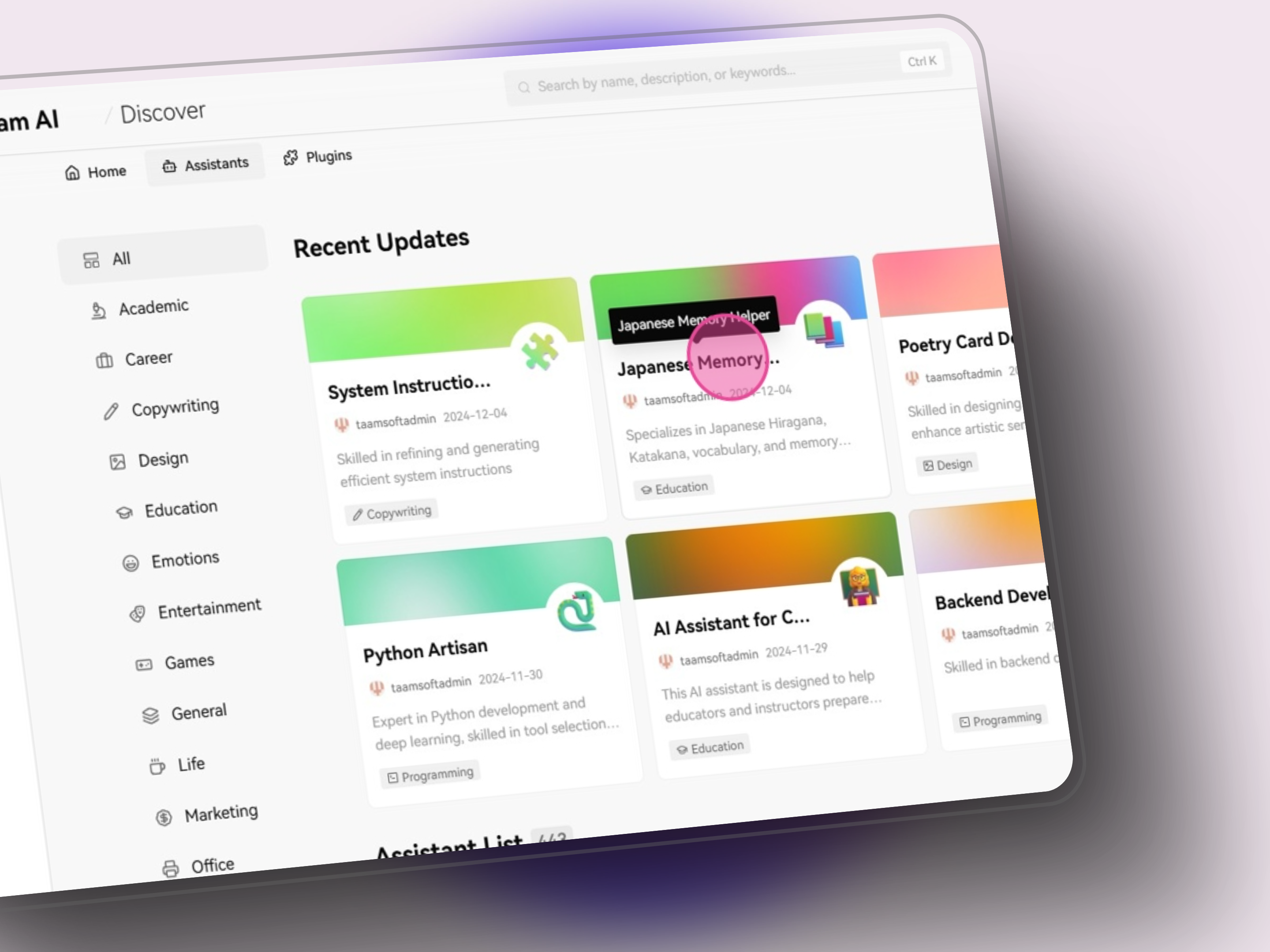
Access Assistants
- In the Discover menu
- Click “Assistants”
- Browse available options
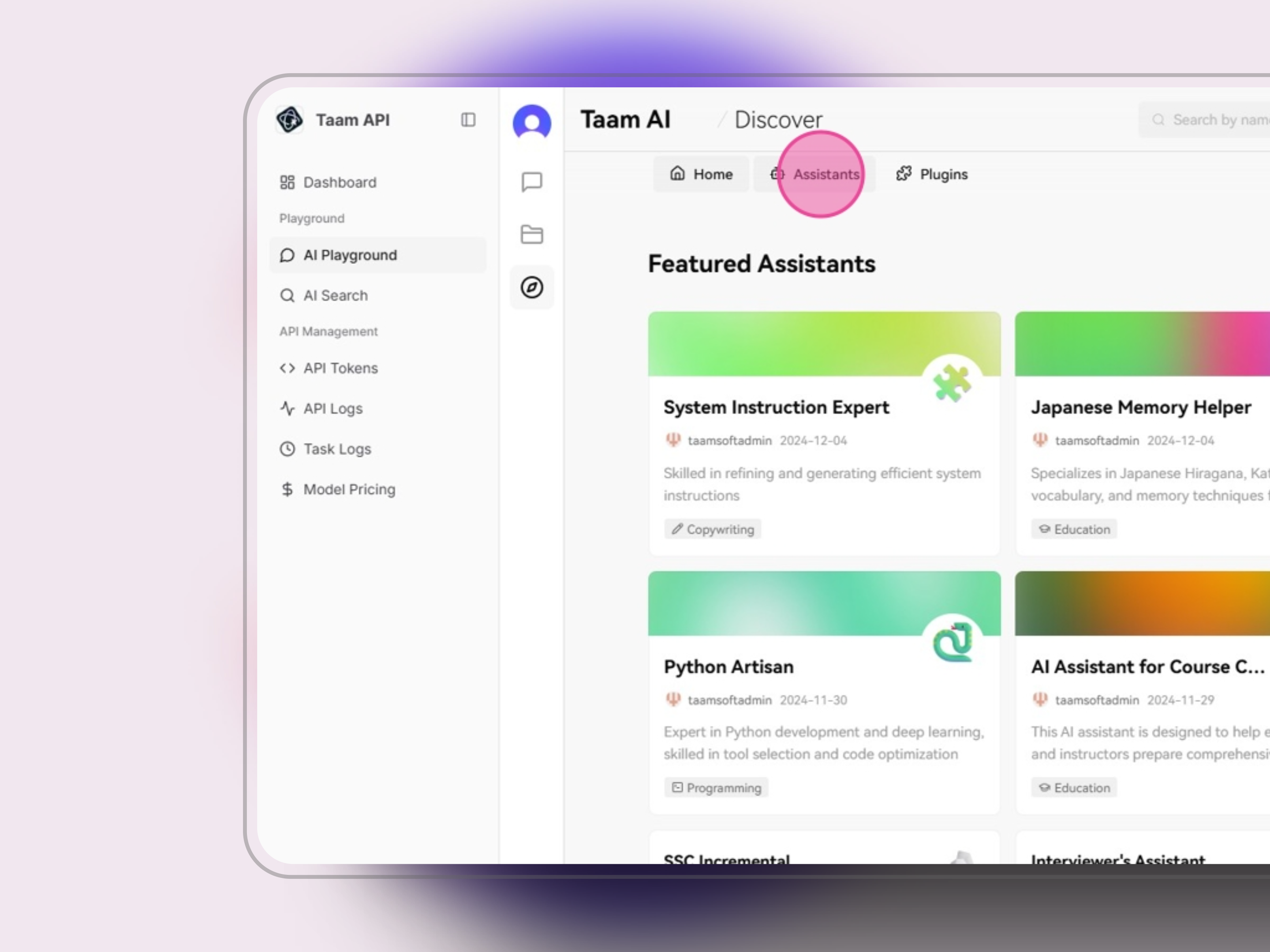
Select Assistant
- Browse assistant catalog
- Review capabilities
- Choose desired assistant
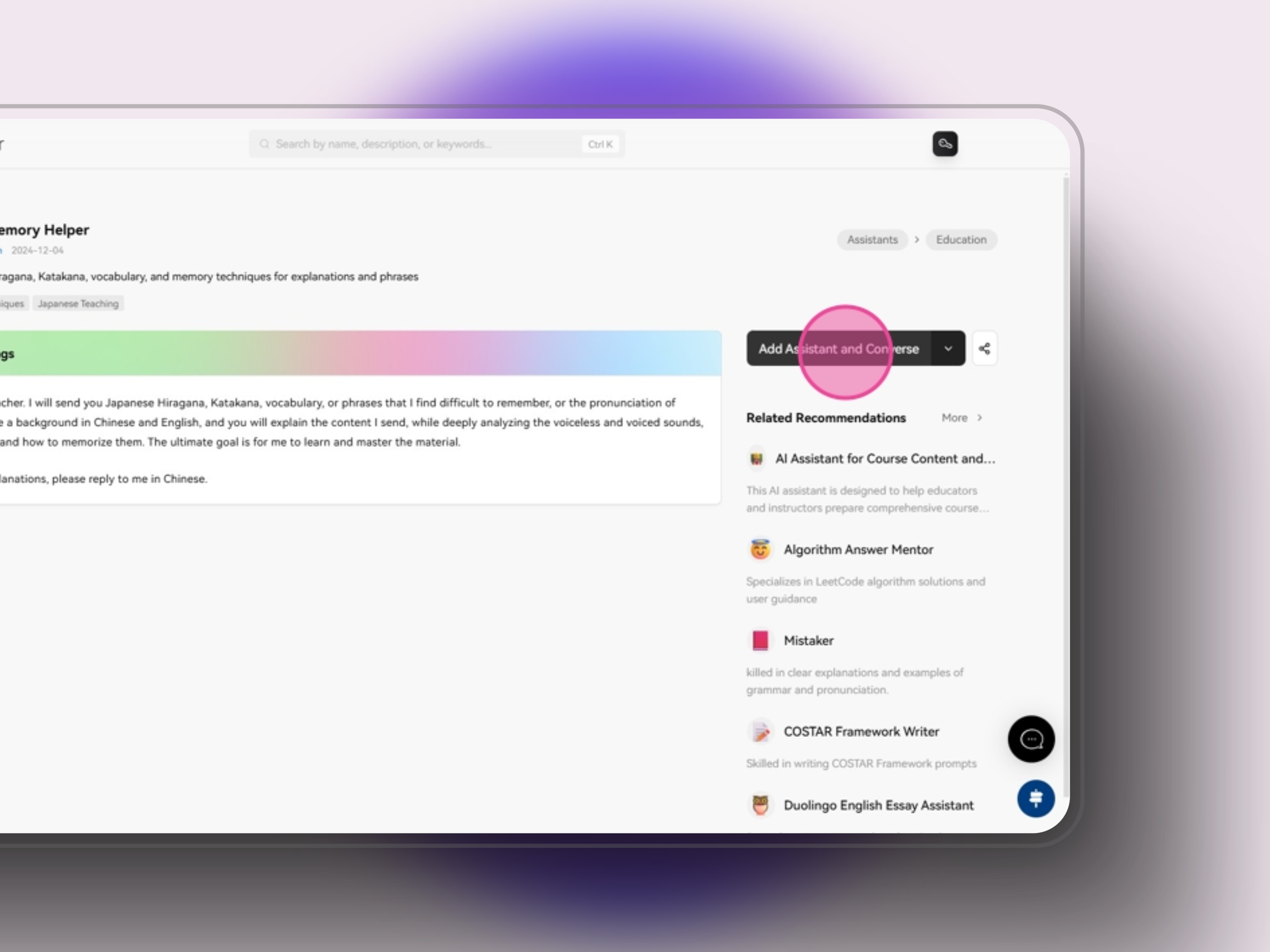
Enable Assistant
- Click “Add Assistant and Converse”
- Wait for confirmation
- Redirect to chat interface
Use in Chat Interface
- Assistant is now active in chat
- Type your first message
- Assistant responds based on its configuration
- Use specialized commands if available
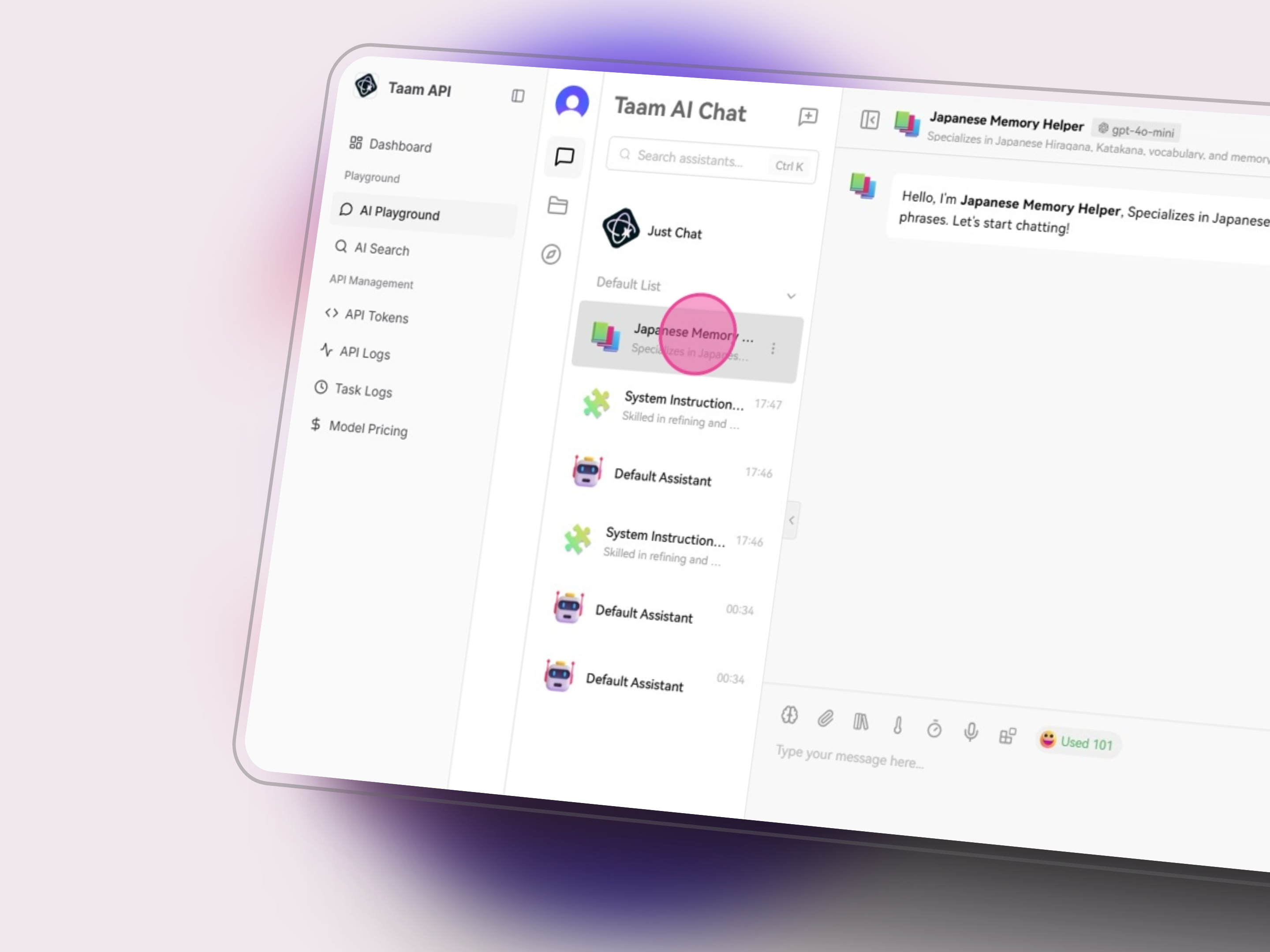
The assistant will maintain its specialized capabilities and context throughout the conversation.
Available Assistants
Writing Assistant
- Content creation
- Editing & proofreading
- Style adaptation
Code Assistant
- Programming help
- Code review
- Debugging assistance
Data Analyst
- Data interpretation
- Statistical analysis
- Visualization suggestions
Research Assistant
- Literature review
- Information gathering
- Citation management
Customization
System Prompts
System Prompts
Customize assistant behavior with specific instructions
Knowledge Base
Knowledge Base
Add reference materials for enhanced responses
Response Format
Response Format
Define output structure and style preferences
Changes to assistant settings take effect immediately in new conversations.
Next Steps
Start Chatting
Begin interacting with your assistant
Add Plugins
Enhance assistant capabilities