

Overview
Gately AI’s knowledge base feature enables intelligent conversations with your uploaded files and custom knowledge sources.
Creating a Knowledge Base
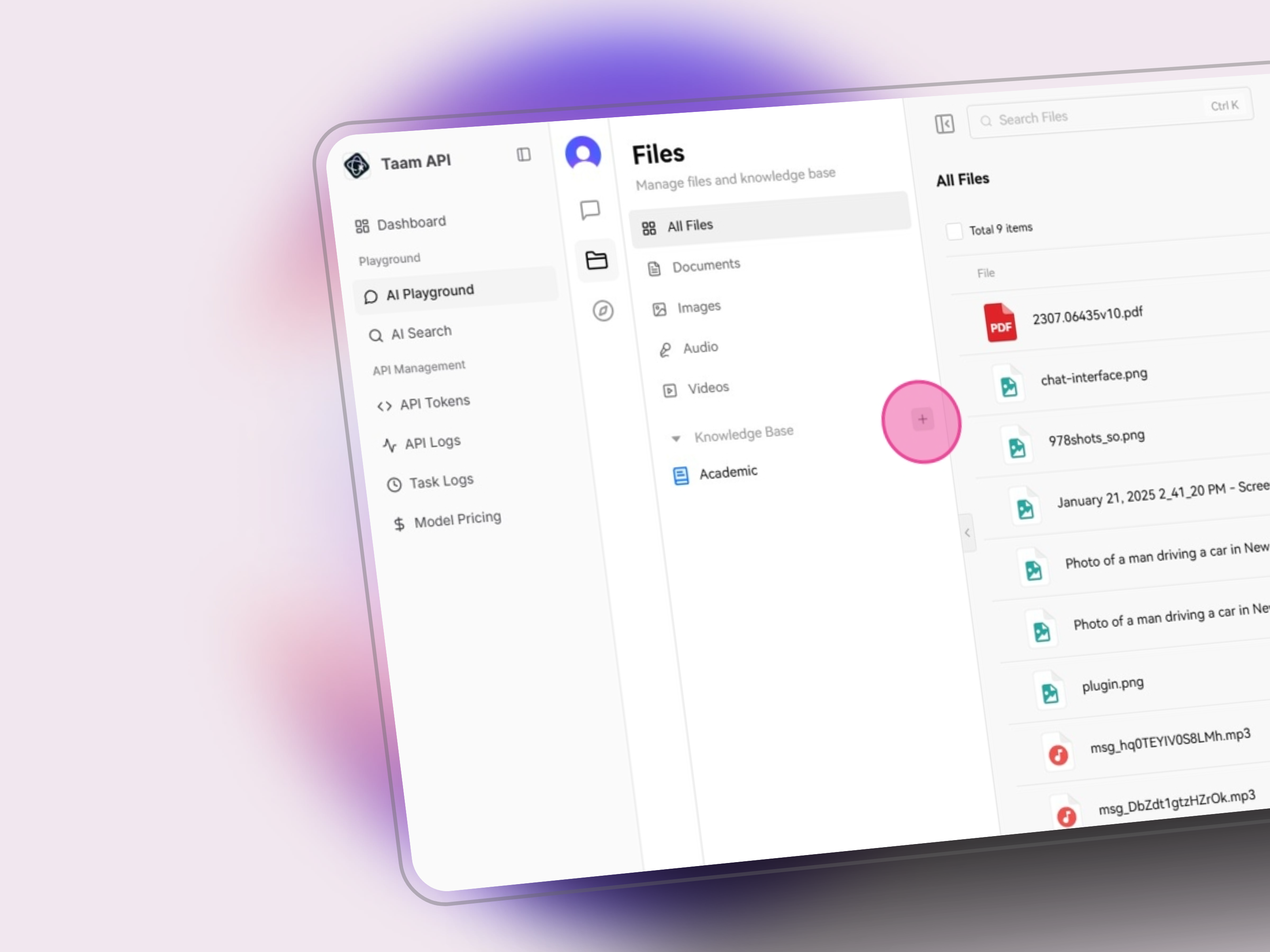
Navigate to Files
- Go to Playground
- Click Files icon in the side menu

Create New Base
- Click the Add icon (+)
- Select “New Knowledge Base”
Configure Base
- Enter knowledge base name
- Add description (optional)
- Click Create button

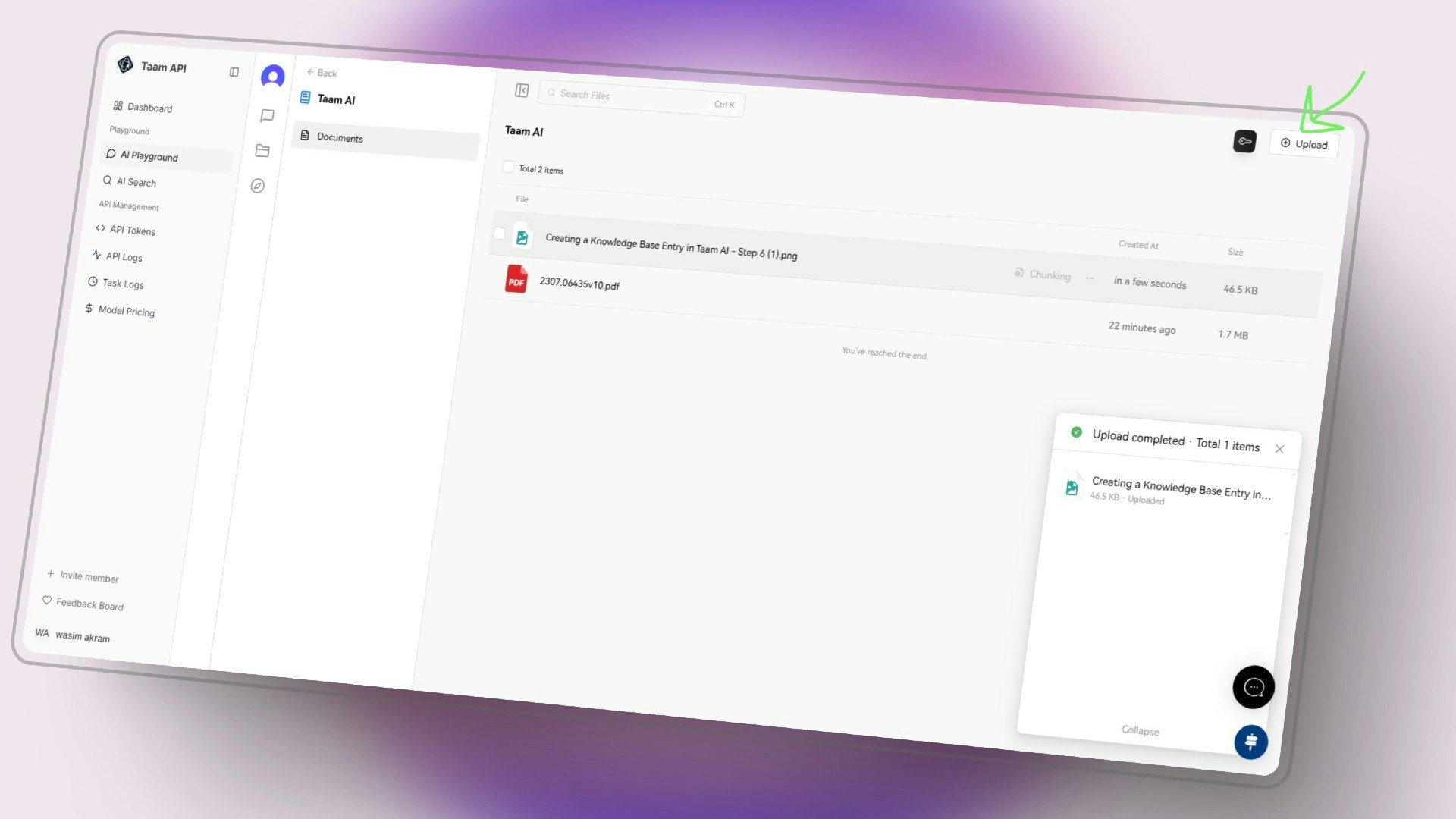
Upload Content
- Open the new knowledge base
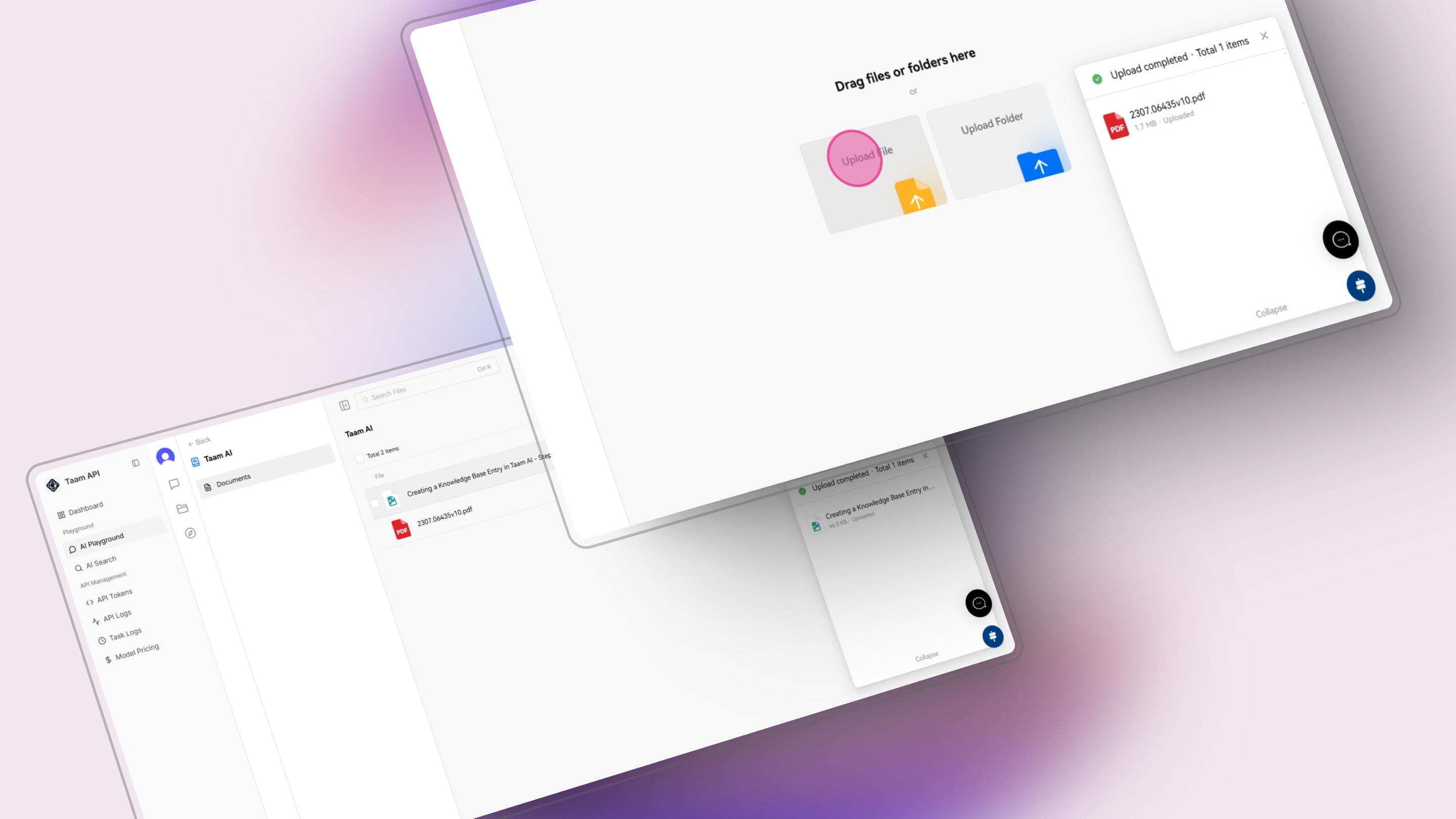
- Click Upload or drag files
- Select files or folders to add
Process Files
- Wait for processing
- Review uploaded files
- Check indexing status
File Management
Supported File Types
Supported File Types
Documents
- Word
- Excel
- PowerPoint
- Text files
Media
- Images
- Audio files
- Video files
Code
- Source files
- Documentation
- Configurations
File Operations
File Operations
- Multi-select files
- Batch delete
- Copy file links
- Online preview
- File sharing
File Preview
Access File Preview
Preview supported files directly in the interface: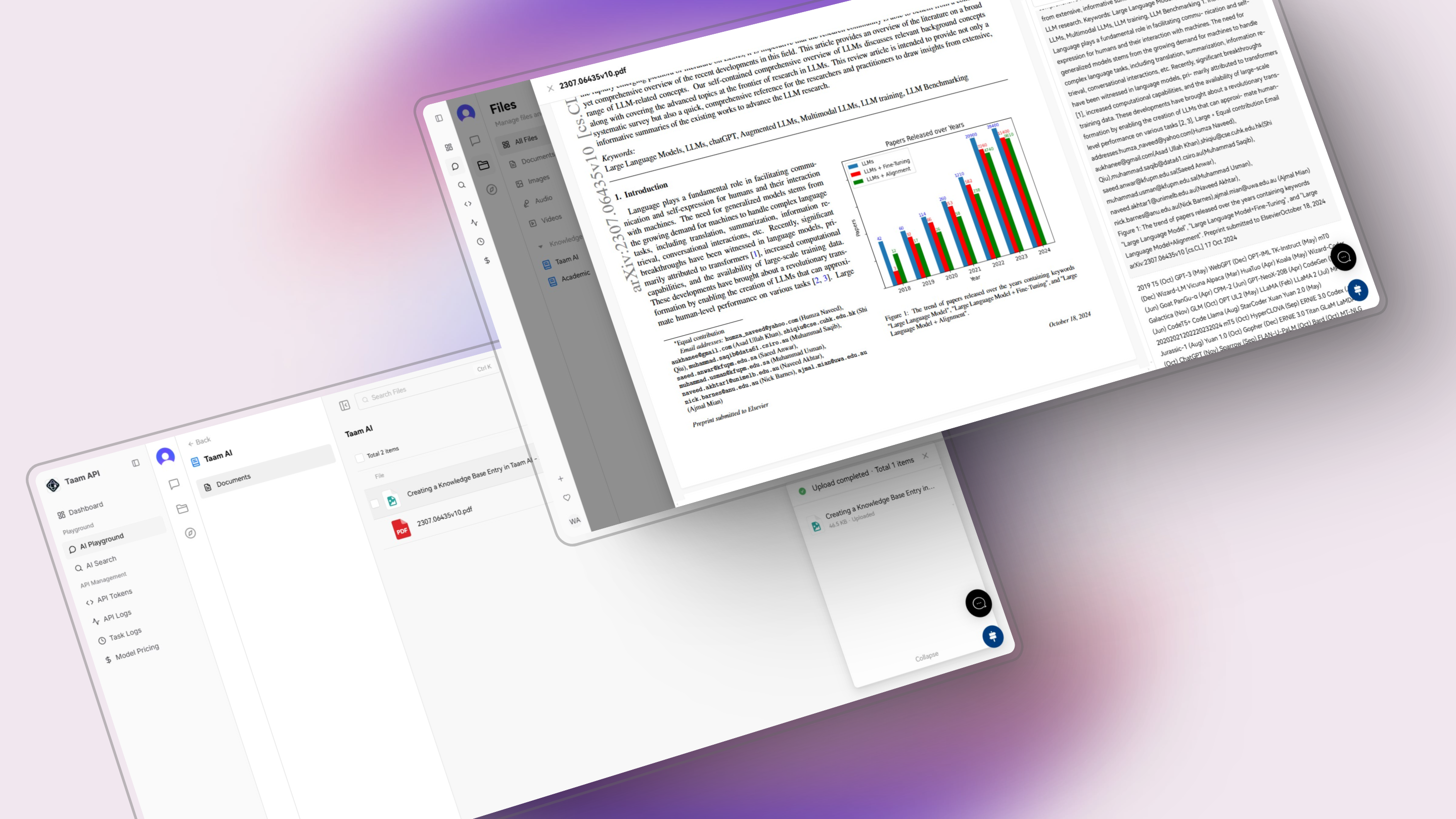
Supported Formats
- PDF documents
- Excel spreadsheets
- Word documents
- PowerPoint presentations
- Plain text files
File Processing
Chunking Process
Chunking Process
Documents are split into segments for optimal processing:
- Semantic boundaries
- Size optimization
- Structure preservation
Embedding Generation
Embedding Generation
Text segments are converted to vector embeddings:
- Semantic encoding
- Search optimization
- Context preservation
Using Your Knowledge Base
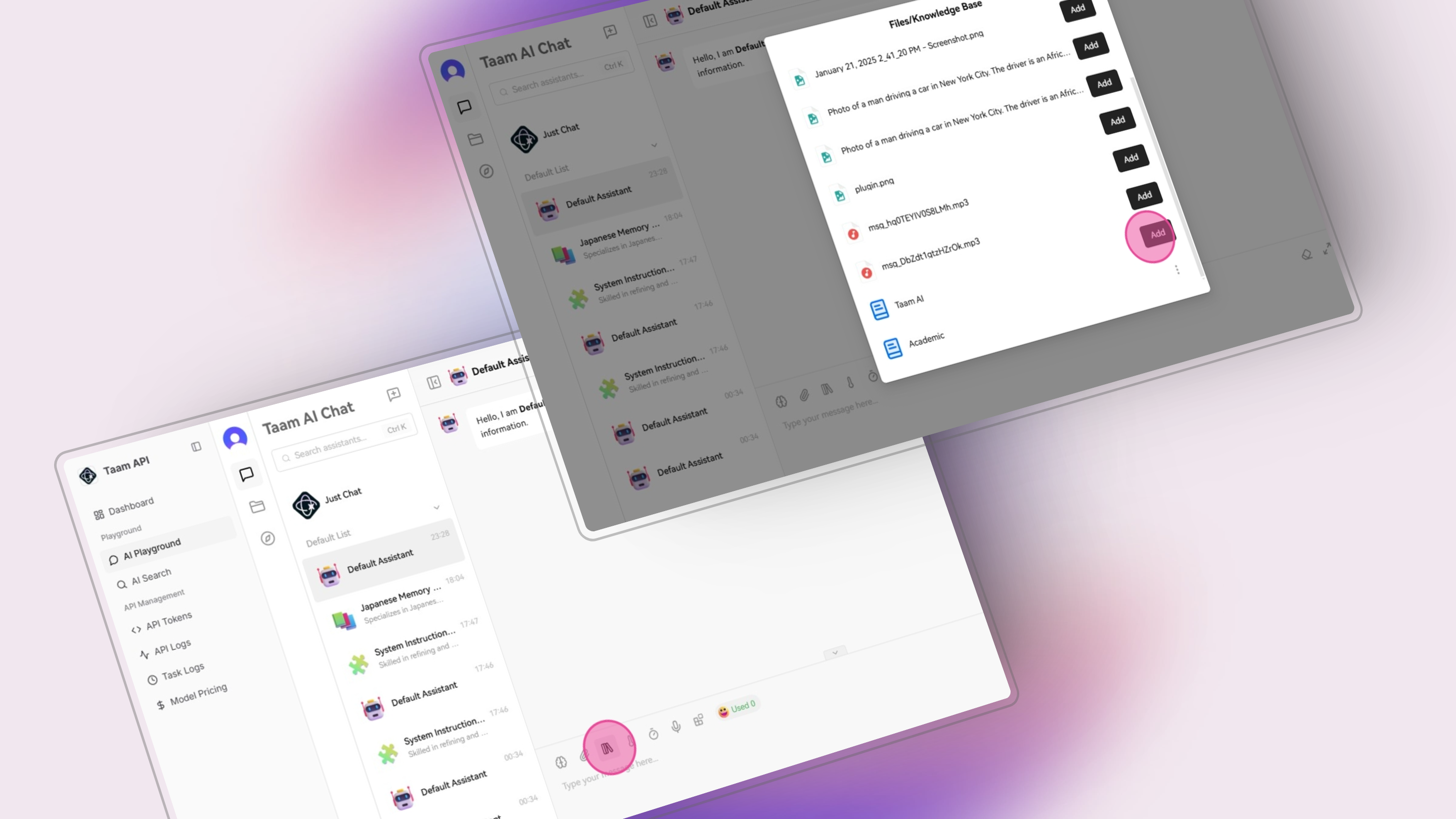
Access in Chat
- Return to chat interface
- Click knowledge base icon
- Select your base from list
Query Content
- Type your questions
- AI references your files
- Get contextual responses
The AI will now include information from your knowledge base when responding to relevant queries.
Future Enhancements
Audio Processing
- Speech-to-text conversion
- Audio content analysis
- Transcript generation
Visual Understanding
- Image content extraction
- Visual context analysis
- Multi-modal integration
Next Steps
Upload Files
Start adding your documents
Create Base
Set up your knowledge base
Try Chat
Test with your content