

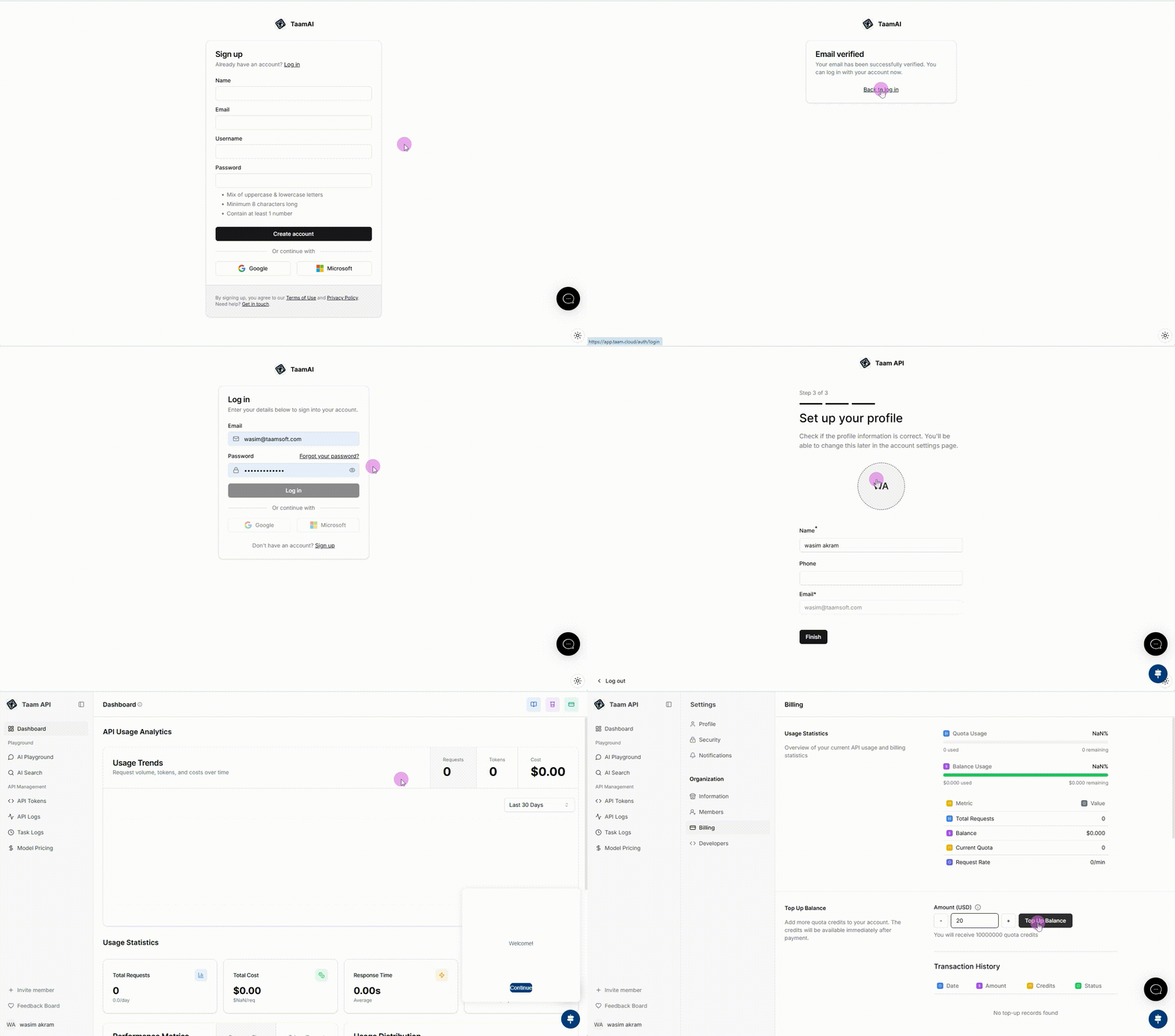
Account Setup
Create Account
- Visit Gately AI
- Click “Sign Up” button
- Enter your email and password
- Verify your email address

Complete Organization Profile
- Enter organization name
- Choose industry type
- Select billing currency
- Add team members (optional)
Using the Dashboard
AI Chat Interface
AI Chat Interface
Our interactive chat interface lets you communicate with AI models: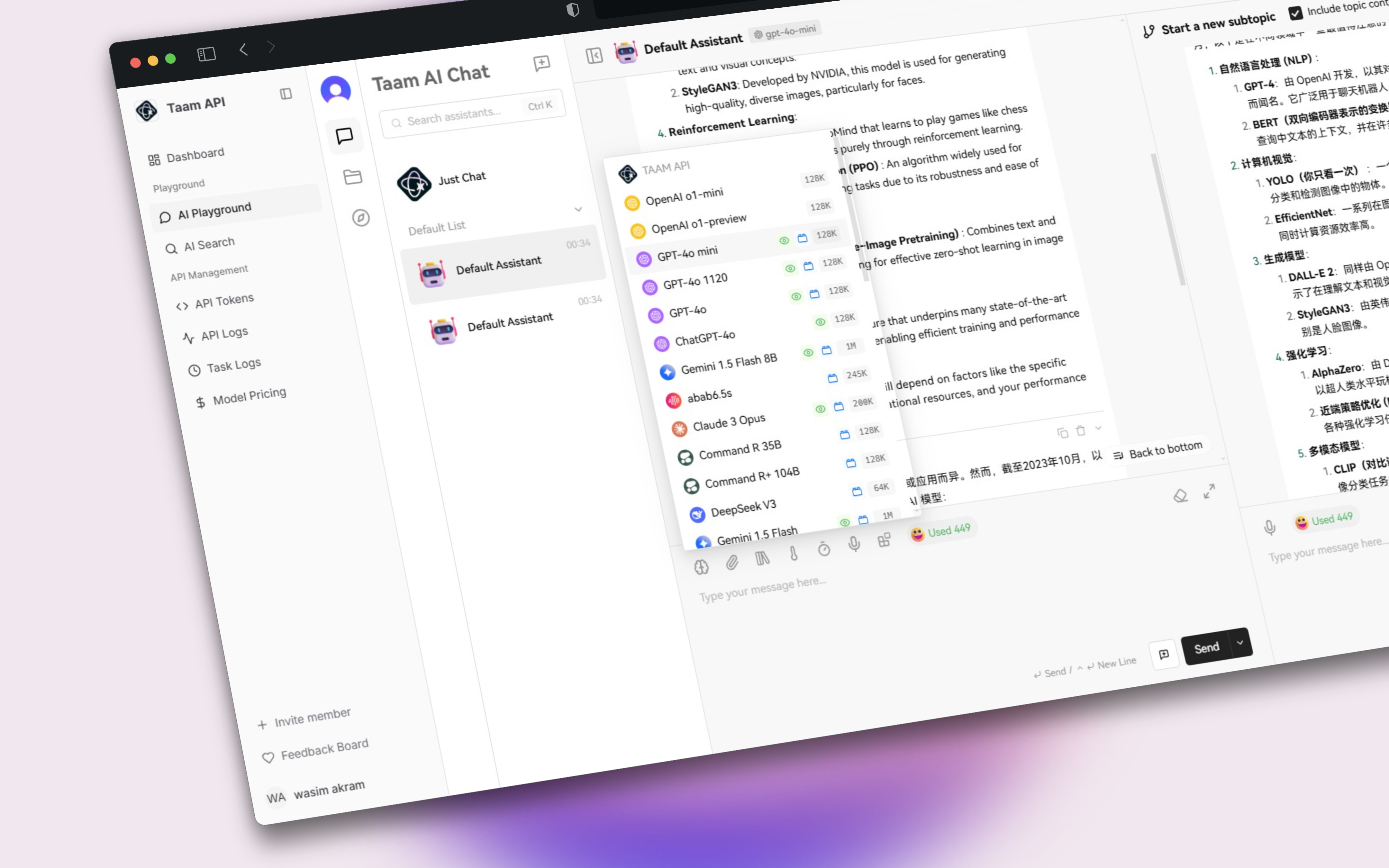
- Open Chat Interface
- Select your preferred AI model
- Start a conversation
- Save important conversations
AI Playground
AI Playground
Experiment with different AI models and settings: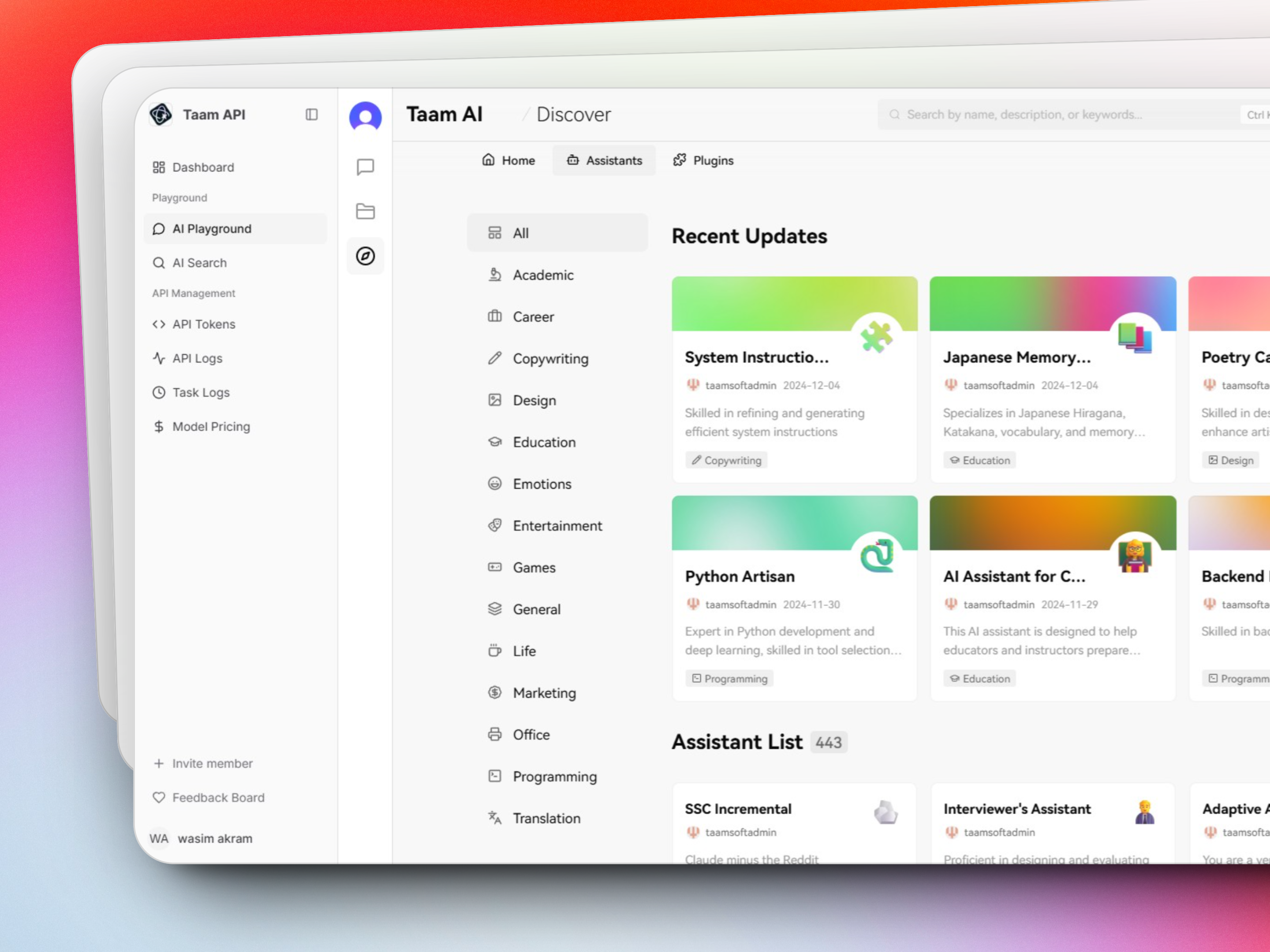
- Access AI Playground
- Choose model type:
- Text Generation
- Image Creation
- Audio Processing
- Adjust parameters
- View results in real-time
AI Search
AI Search
Use our powerful search capabilities: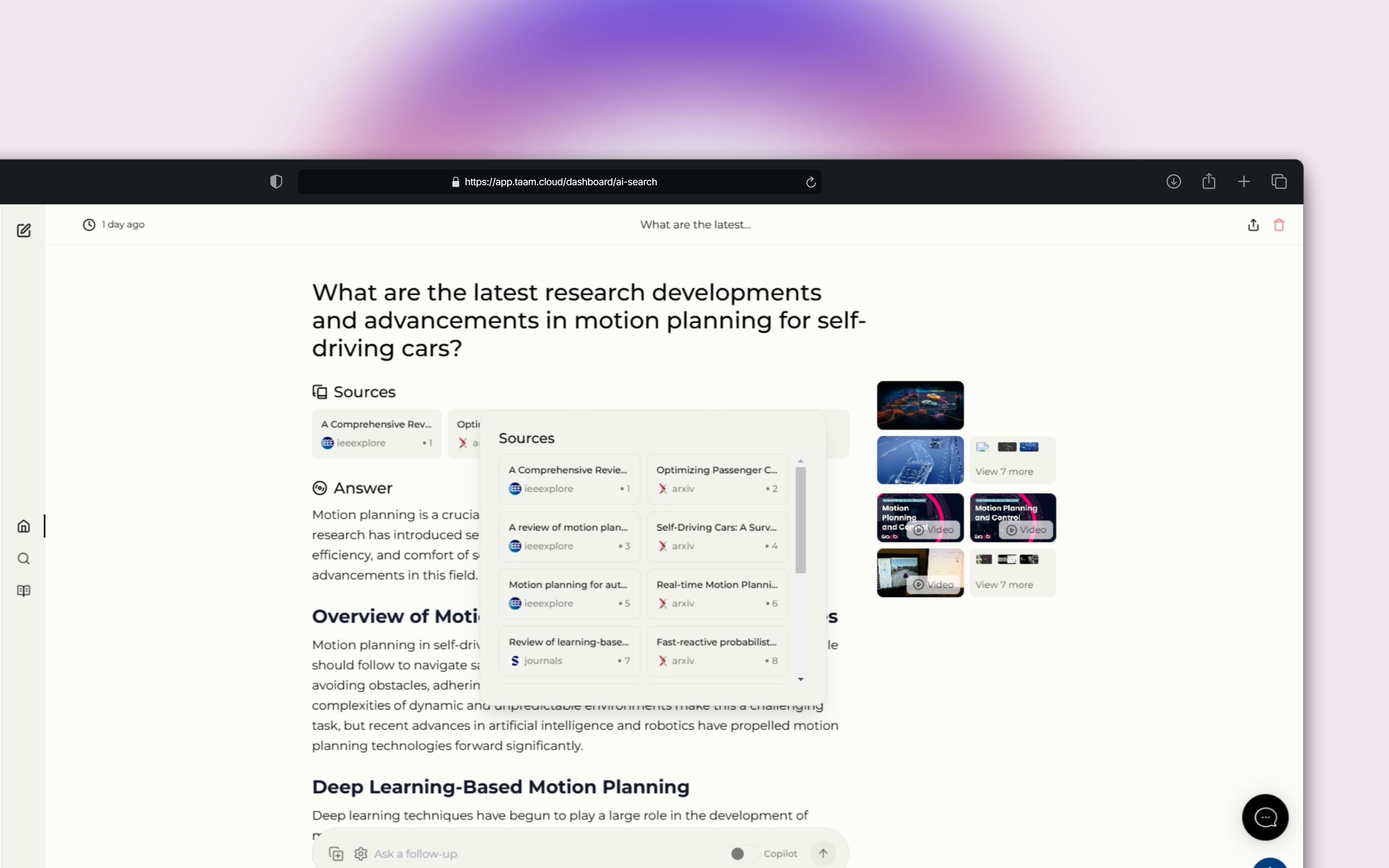
- Go to AI Search
- Enter your search query
- Filter results by type
- Save search templates
Managing Your Account
Usage Statistics
Monitor your usage at Dashboard Home:
- Credit consumption
- API calls
- Active sessions
Billing Management
Handle payments at Billing Settings:
- View invoices
- Add payment methods
- Set up auto-reload
Key Features
Chat History
Access all your previous conversations and generated content in the History section
Templates
Create and save templates for frequent tasks and prompts
Team Collaboration
Share resources and manage team access in Organization Settings
Additional Tools
API Logs
Track all API requests
Model Status
Check model availability
Settings
Configure preferences
For API integration documentation, please visit our API Reference.
Need Help?
Get support: