

Understanding Rate Limits
Each account has a default rate limit of 300 Requests Per Minute (RPM) Per Model.
Prevent Abuse
Protect against API misuse and abuse
Fair Usage
Ensure fair resource distribution
Stability
Maintain consistent API performance
Rate Limit Details
Default Limits
Default Limits
Rate Limit Response
Rate Limit Response
When you exceed the rate limit, you’ll receive:
Best Practices
1
Implement Request Throttling
Add rate limiting in your application code to stay within limits:
2
Add Exponential Backoff
Implement retry logic with increasing delays:
3
Monitor Usage
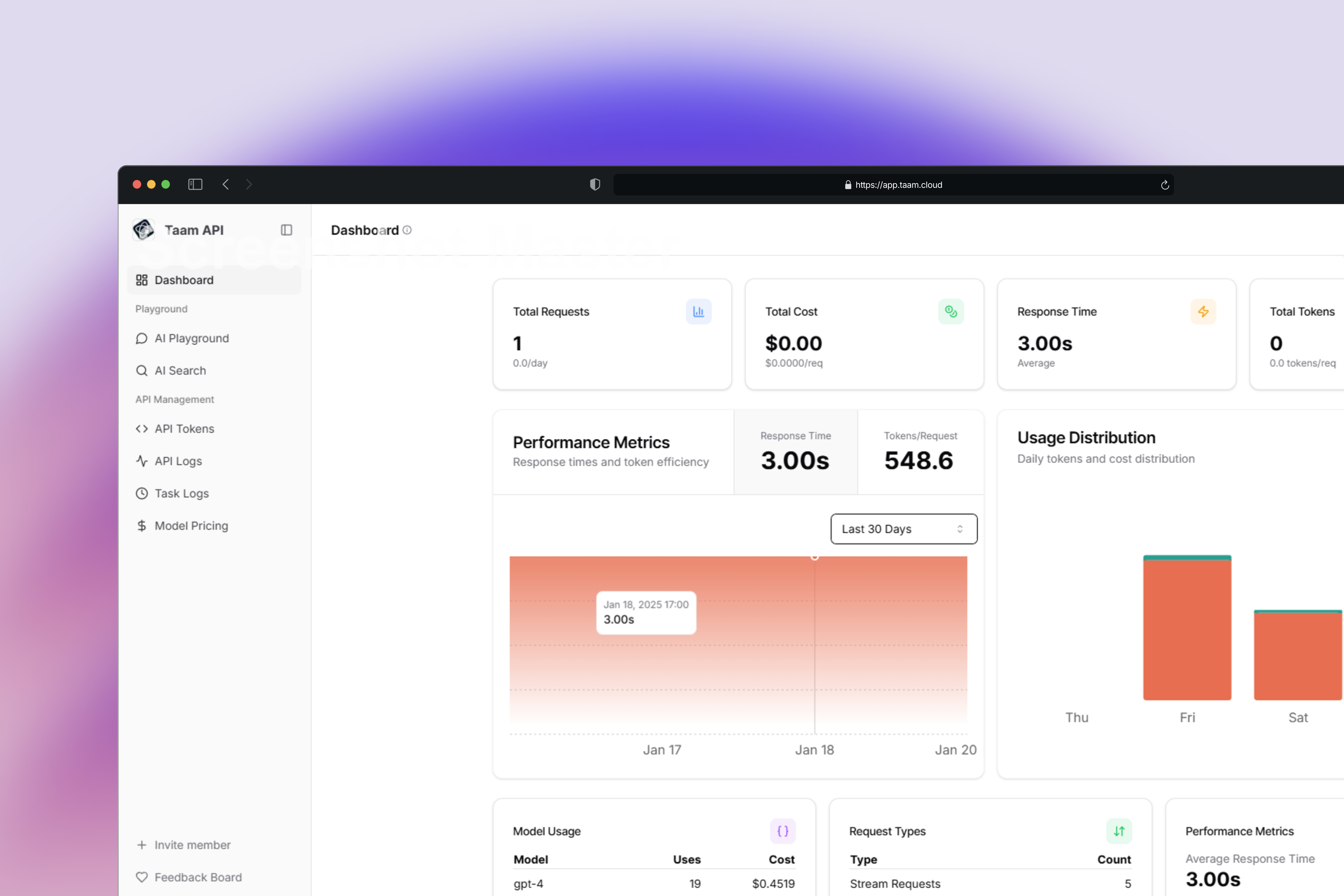
Track your API usage through our dashboard:
View Usage Stats
Handling Rate Limits
When you receive a 429 error, implement these handling strategies:
- Retry Later: Wait for the specified cooldown period
- Optimize Requests: Batch operations when possible
- Monitor Usage: Track your consumption patterns
Increasing Rate Limits
Contact Support
Join our Discord community for immediate assistance
Enterprise Needs
Book a call with our sales team for custom limits