

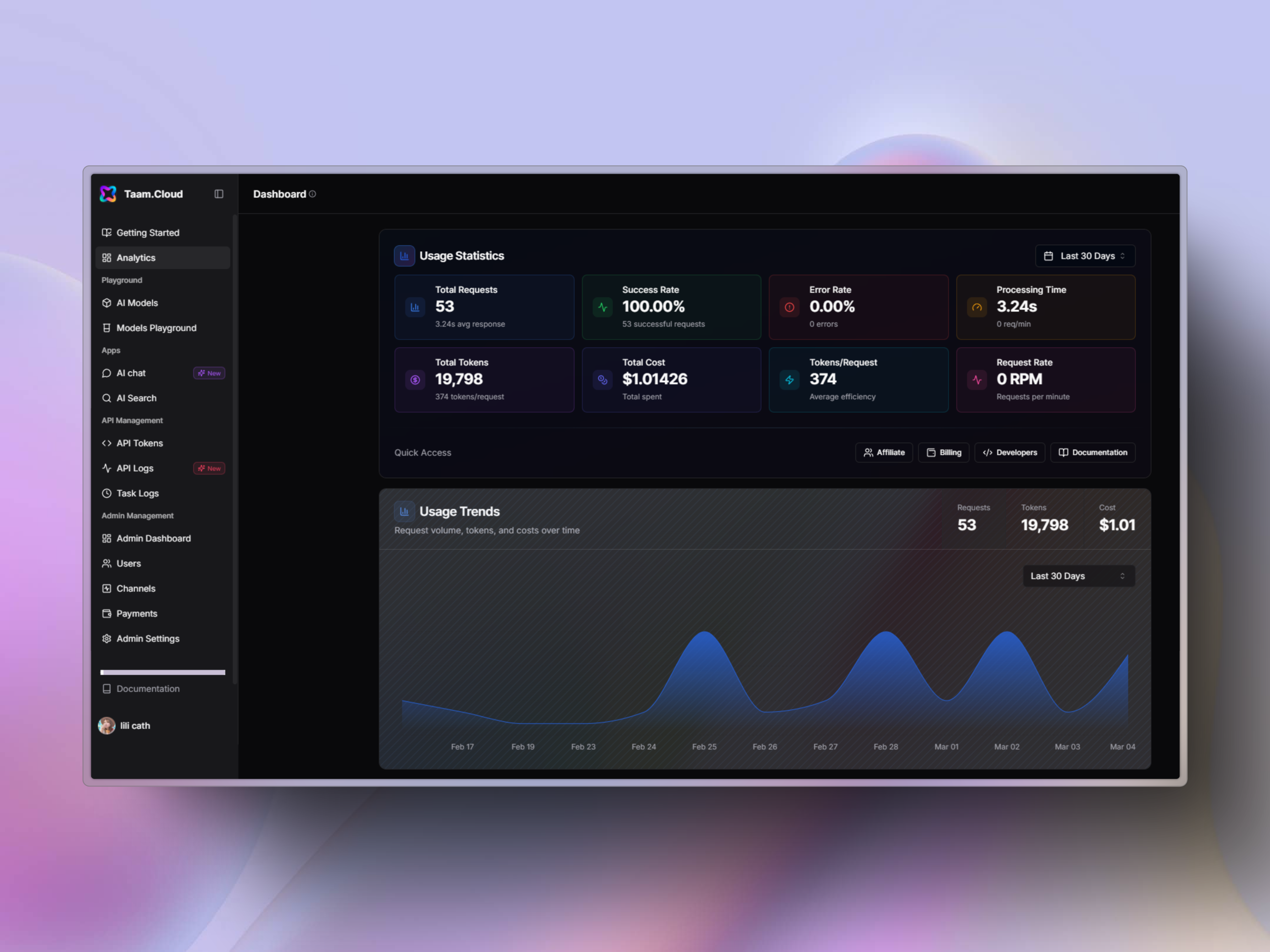
Team Features Overview
Converting to a team account is a permanent change. You cannot revert back to a personal account once upgraded.
Member Management
Invite and manage up to 50 team members
Role Assignment
Control access with granular permissions
Usage Analytics
Track resource usage per team member
Team Roles
Owner
Owner
- Single owner per team
- Full administrative access
- Cannot transfer ownership
- Can manage all team settings
Admin
Admin
- Edit all Gately AI settings
- Manage memberships
- Handle billing and purchases
- Access usage analytics
Developer
Developer
- Access all account resources
- Cannot manage members
- No billing access
- View team analytics
Basic
Basic
- Access own resources only
- Cannot view team resources
- Limited functionality
- Basic analytics access
Billing
Billing
- Manage payments
- Handle invoices
- Control subscriptions
- View billing history
Inviting Team Members
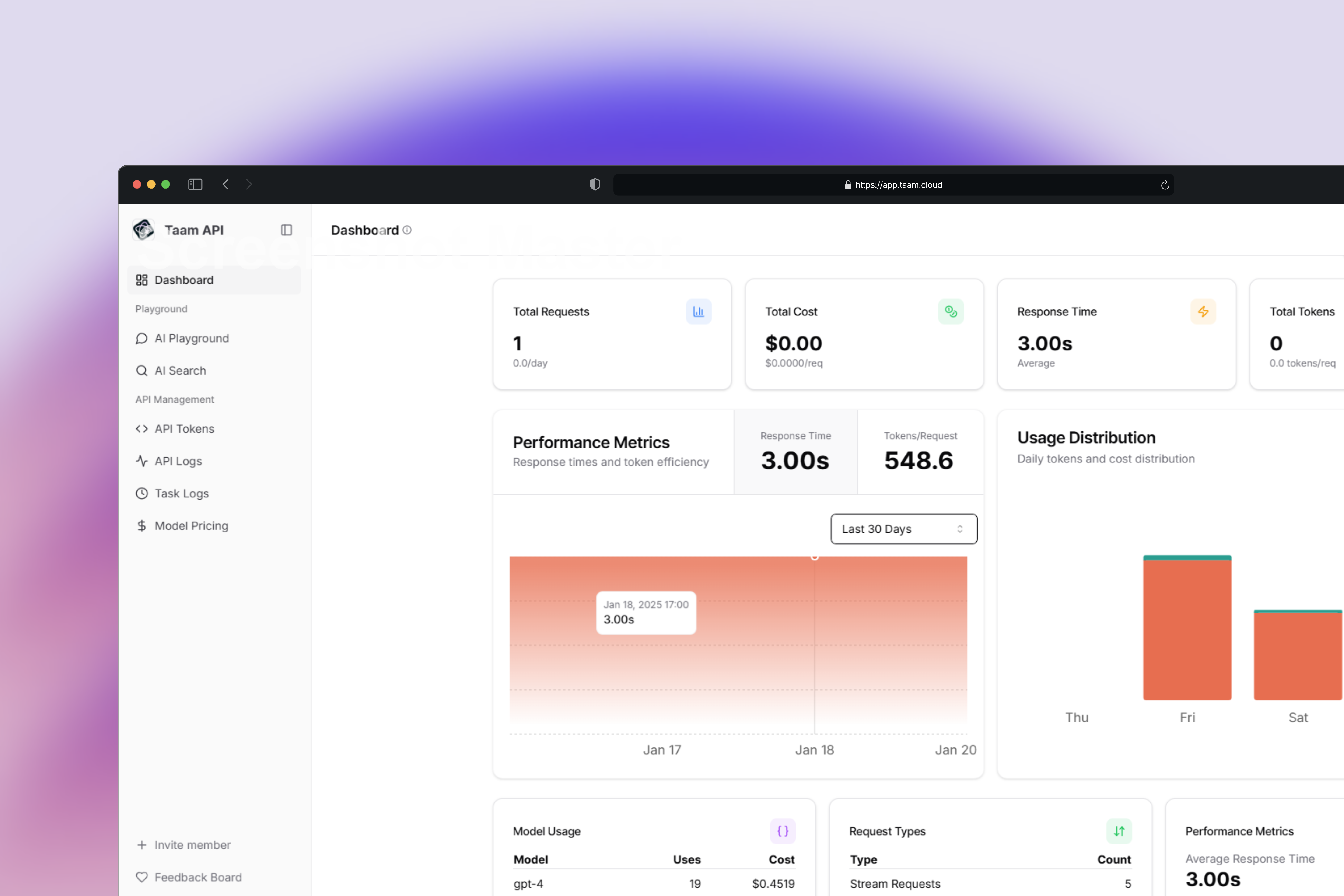
Navigate to Dashboard
- Visit https://app.gately.ai/dashboard/home
- Sign in to your account
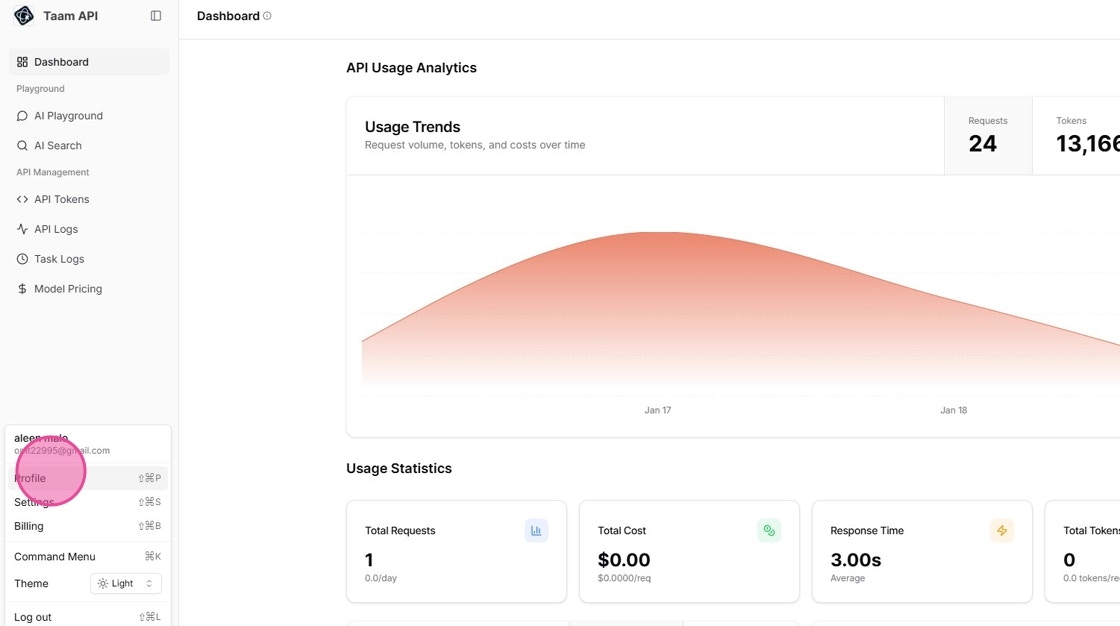
Access Profile Settings
- Click the Account dropdown in top navigation
- Select “Profile” from the menu
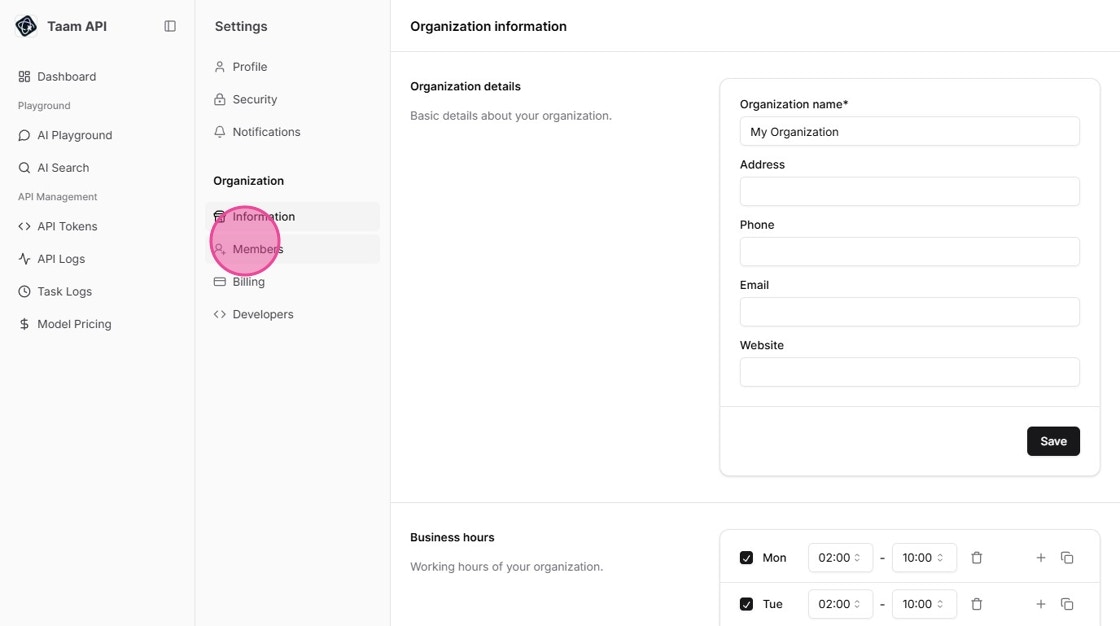
Open Members Tab
- Navigate to the Members tab
- View current team members and pending invitations
Send Invitation
- Click “Invite Member” button
- Enter member’s email address
- Select appropriate role
- Click “Send Invitation”
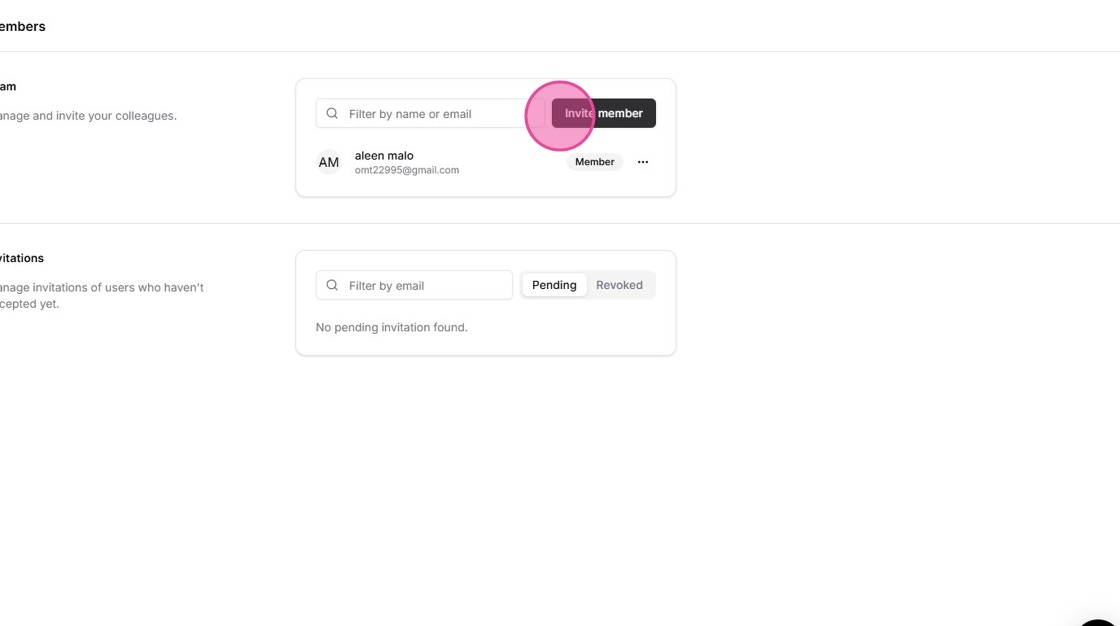
Step 1: Click Invite Member button
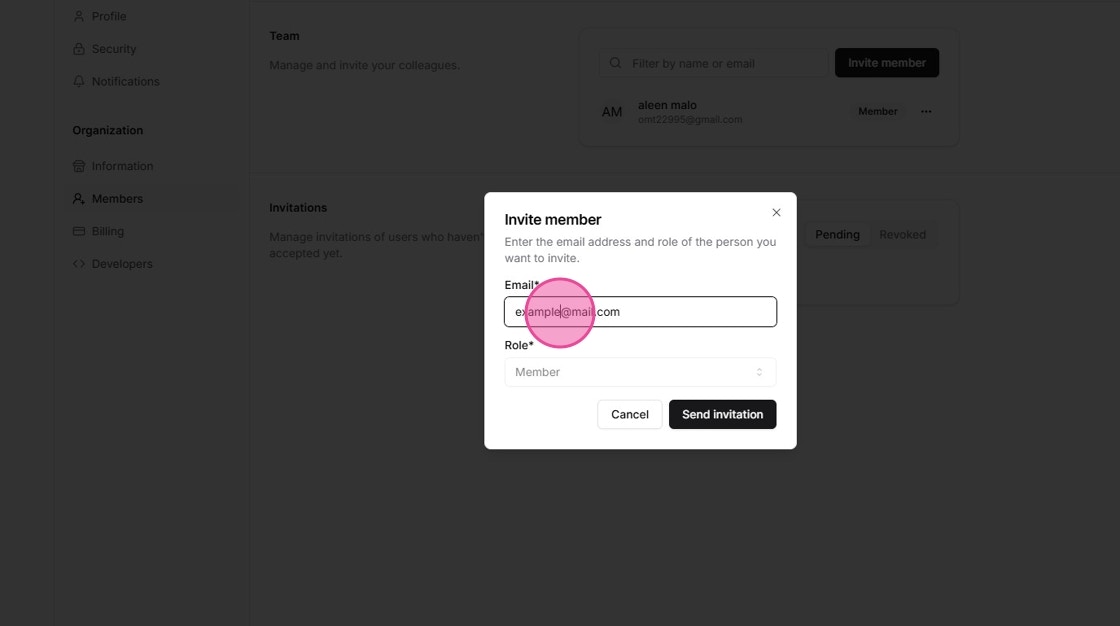
Step 2: Fill in member details
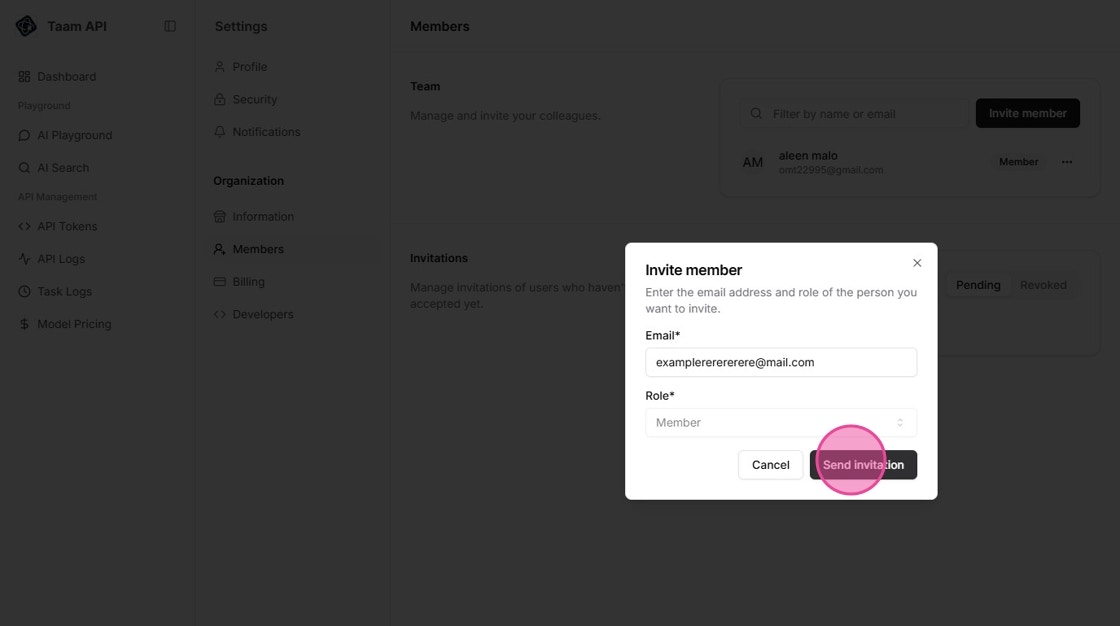
Step 3: Confirm and send invitation
Managing Team Members
Editing Member Roles
Access Member Settings
- Find member in the team list
- Click the settings icon (⚙️) next to their name
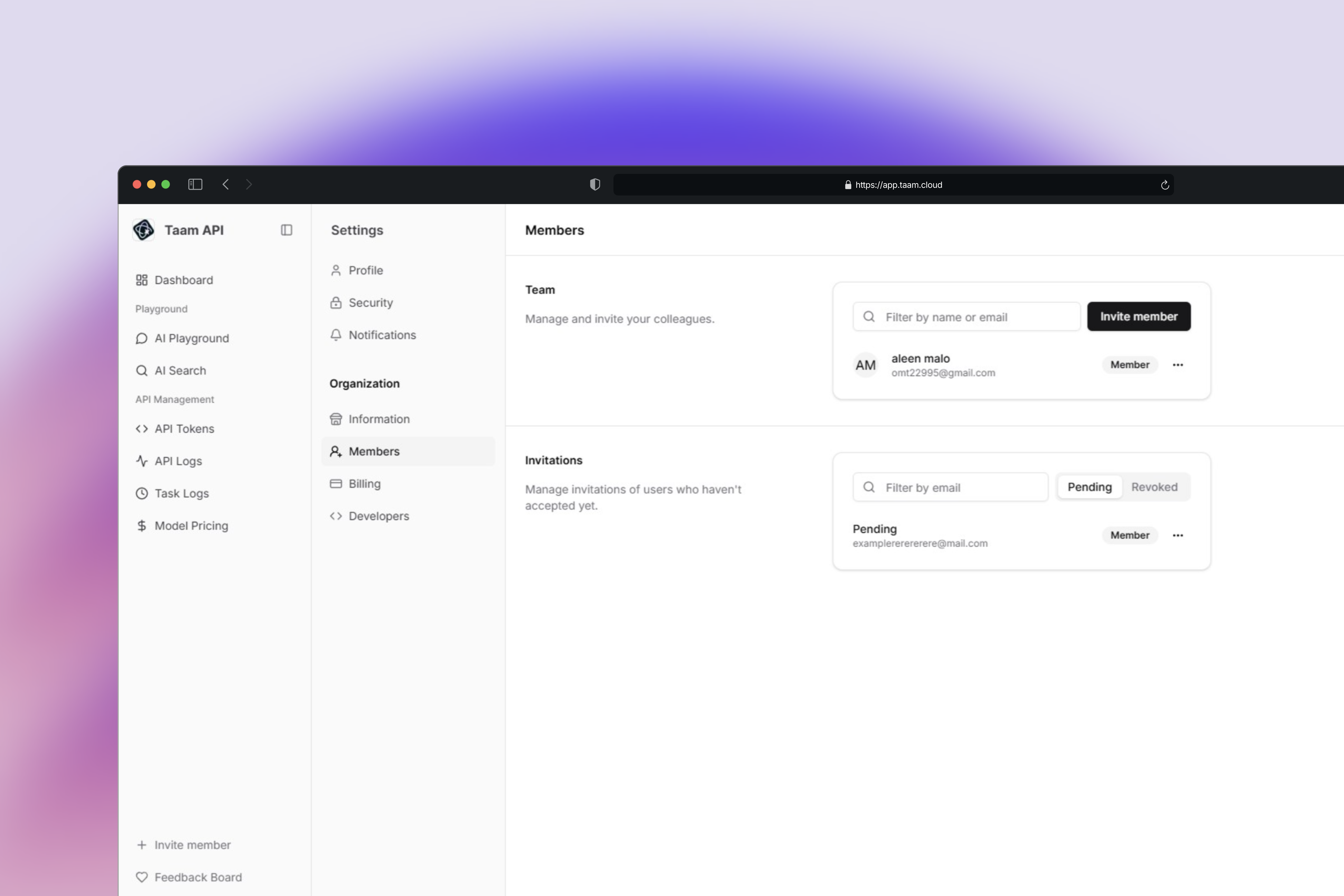
Update Role
- Select “Edit Role” from the menu
- Choose the new role from the dropdown
- Click “Save” to apply changes
Removing Members
Initiate Member Removal
- Locate the member you want to remove
- Click the settings icon (⚙️)
- Select “Remove” from the menu
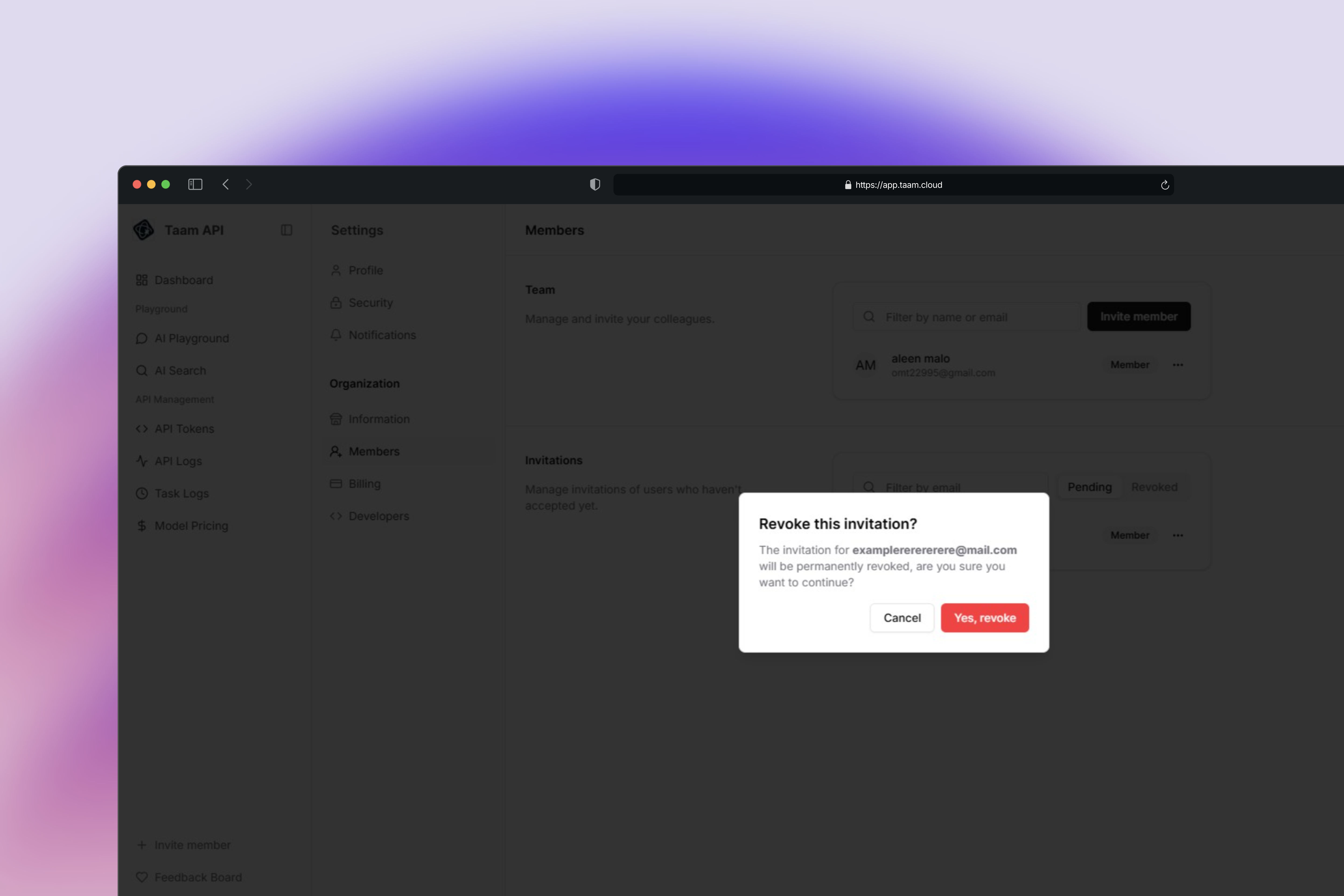
Confirm Removal
- Review the removal confirmation
- Click “Confirm” to remove the member
- Member will lose access immediately
Audit Logs
Only Owner and Admin roles can access audit logs to track team activities.
- Member management
- Role changes
- Resource access
- Settings modifications
Need Help?
For team-related support, contact our support team